Client Portal Template: What to Include Before You Share It
Client portal template planning starts with client actions and the pages they need. Choose sections, set access and test a sample project before you share it.
By Notion Client Portal by Cosmo Suite · Editorial policy
Published · 8 min read
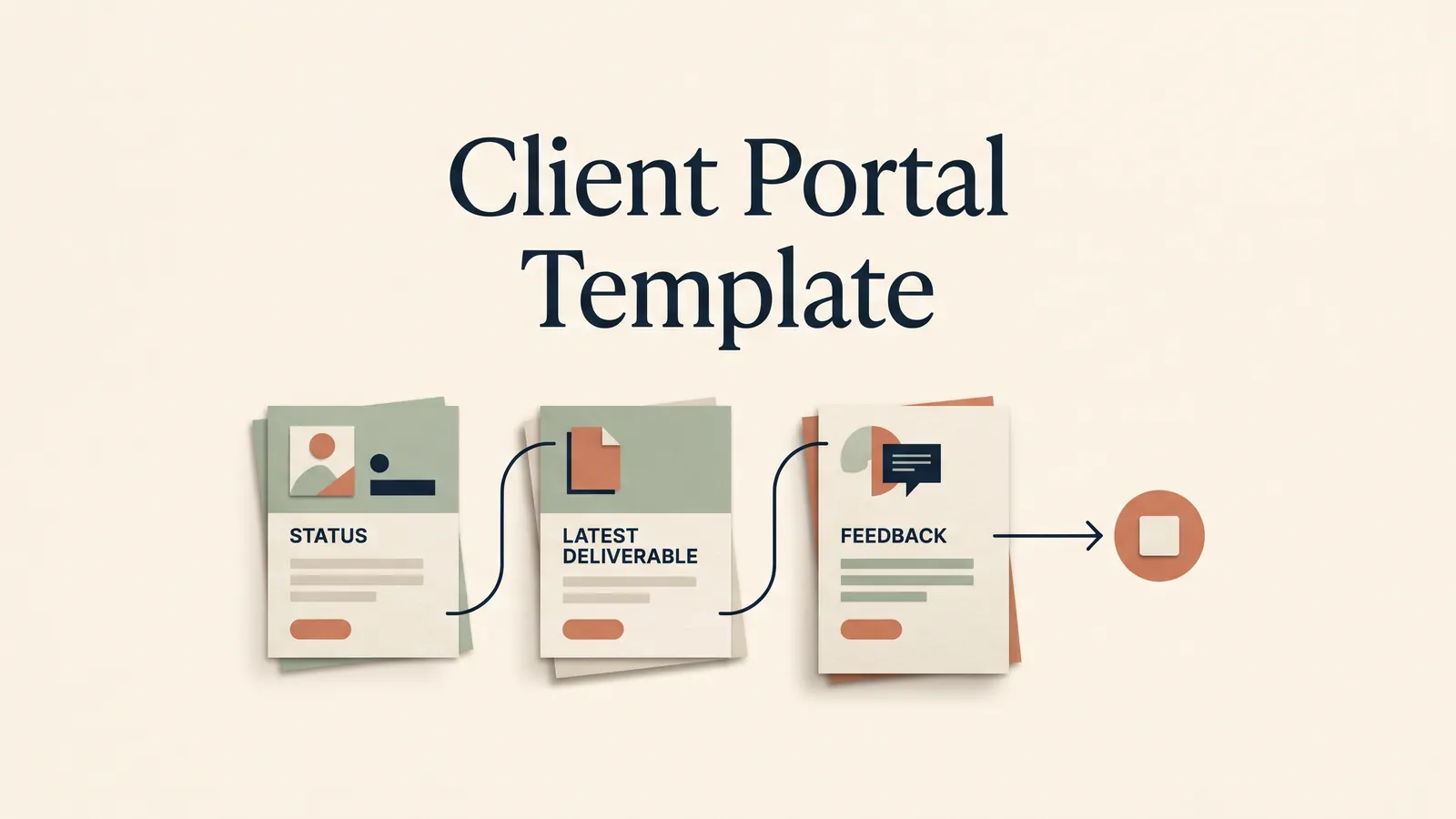
Illustrative client message: “Where do I find the latest draft?” The file is in one email, the project status is in a task list, and the feedback request is in a message from last Tuesday. The client needs one clear route to the current information.
A client portal template gives you a starting structure for project information. A useful portal keeps only the pages that help a client answer three questions: What is happening? What do I need to do next? Where should I respond? This guide shows how to choose the pages, set access and test one project before sharing the link.
In Brief
- Start with status, next action, files and feedback. Add other pages when the work needs them.
- Keep internal notes separate from the client view and check permissions at every shared page.
- Test the portal as a client before sending it. Page structure does not guarantee access isolation.
- Use a template for organisation, while your existing services handle billing and signatures.
The client portal is a route through the project
A client portal is a place where a client can find project information without asking you to reconstruct the latest version from old messages. A page is one place for information; a database is a collection of records that can be shown in different views. In a small studio, either can work. The decision depends on how many projects you maintain and whether clients need to see one project or a set of related records.
A portal also creates a small promise: the link will point to current information. If a client opens it and sees an old status, an unlabelled file or three possible places to leave feedback, the page has added another stop instead of removing one. Keep the first screen focused on the next decision the client must make.
For a three-person design studio onboarding a new client, that could mean a welcome page, a short questionnaire, a project status, the current draft and a feedback route. The contract and invoice can remain in the services that handle those steps. A portal can link to them or record where they belong; that does not make the portal a signature or payment service. A Notion client portal template built around one client link can give the studio a repeatable starting structure, but it still needs a clear owner and update routine.
Client portal template pages side by side
Choose pages by the client action they support. A page is useful when it answers a real question or gives the client a clear next step.
| Page or section | What the client needs | Keep it when |
|---|---|---|
| Introduction | Who to contact and how the portal is organised | Every project needs a simple starting point |
| Task or status | Current stage, owner and next action | The client checks progress or owes an input |
| Files or workspace | The current deliverable and related references | The project has files or links to retrieve |
| Feedback | Where to leave comments and what to review | You need feedback on a named version |
| Questionnaire | Information needed to start or continue | The project depends on client-provided details |
| Meeting | Notes, decisions and follow-up actions | Calls create decisions that must be recorded |
| Contract and payment references | Where the signed document or invoice lives | A client needs a clear route to the original service |
A page titled “Payment” can hold an invoice link or a status you maintain. It does not process the payment. A Contract page can point to an agreement without creating an electronic signature. Preserve the distinction when you decide what the portal should own and what it should simply reference.
If the project has one deliverable and one review round, a status page, file link and feedback route may be enough. If it involves onboarding, several meetings and client-provided information, add those sections. Remove empty pages before sending the link; a blank page looks like a task the client has missed.
What the client sees on the first visit
The first visit should answer a practical question quickly. Put the project name and current status near the top, then state what happens next and who needs to act. Link the current file with a version label or date so an older draft does not look equally current.
A worked example makes this concrete. A copy studio sends a homepage draft for review. Its portal says “Draft 2 ready for review,” links to the draft, asks the client to leave feedback on the Feedback page, and gives a review date agreed with that client. The studio updates the status after receiving feedback and records the decision. This example illustrates a workflow. It is not a measured time saving or a customer result.
Use labels that describe the work rather than internal shorthand. “Waiting on client” is clearer than “Blocked 2.” “Review homepage copy” is more actionable than “Feedback.” If a client must choose between options, state what decision is needed and where to make it. 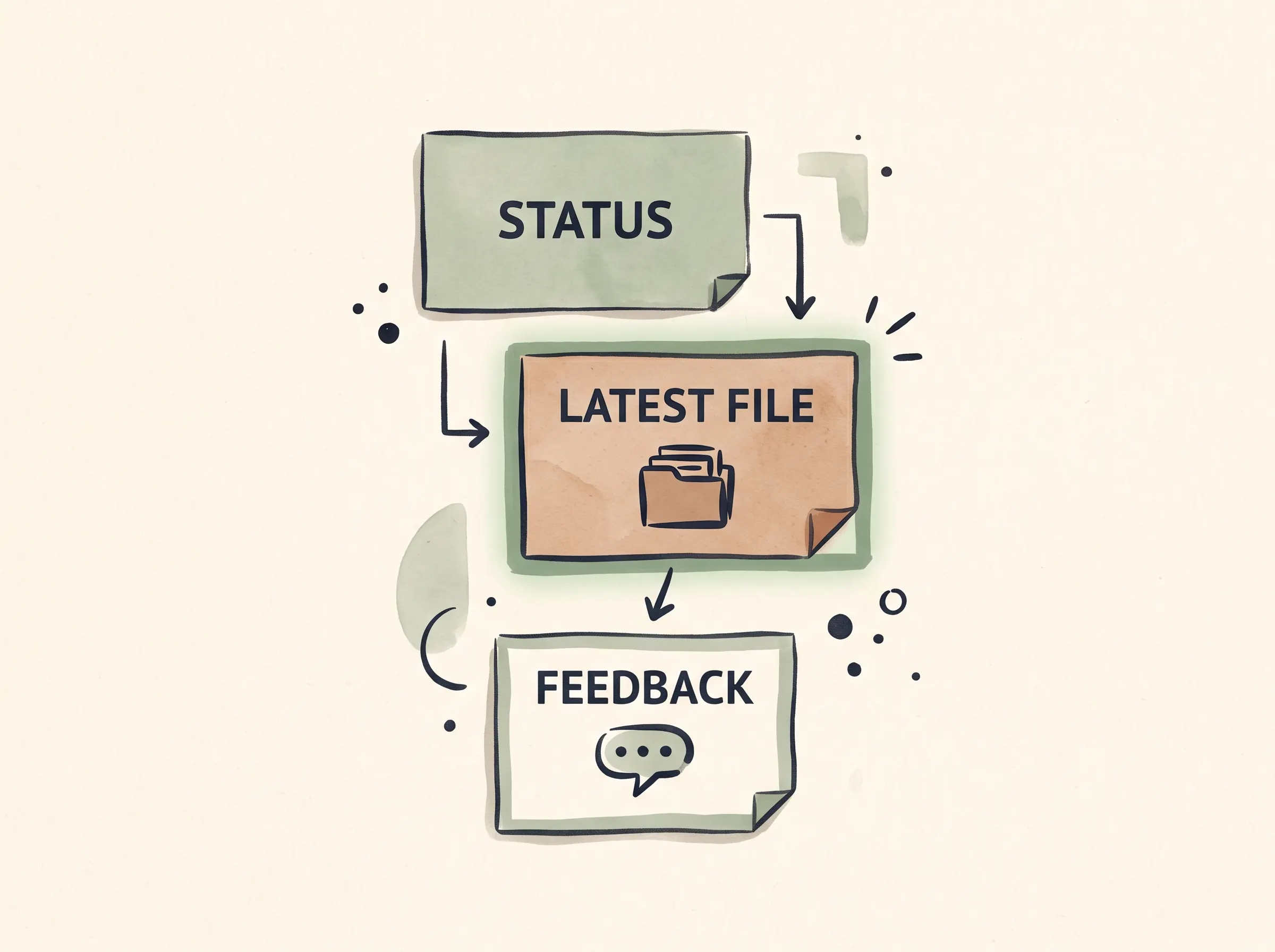
The client portal setup guide explains how page structure and Notion access settings interact.
Keep the internal dashboard out of the client route unless the client needs it. The studio may need a view across projects, but the client needs their project. Avoid duplicating private notes into a shared page just to make a dashboard feel complete.
A template does not set permissions for you
Notion lets you invite a guest to a page and choose a level such as view, comment or edit. An invited guest needs a Notion account to access the page. A page shared with “Anyone on the web with link” can be viewed without a Notion account, but visitors need to log in to comment or edit. Choose based on whether the client should access a private page, a public page or a collaborative workspace.
Before sharing, check the page itself and the parent pages that contain it. Then inspect any linked database or embedded page the client can reach. A page can look separate in the sidebar while inheriting access from somewhere else. The exact access depends on your workspace structure and settings, so test the copy you plan to use.
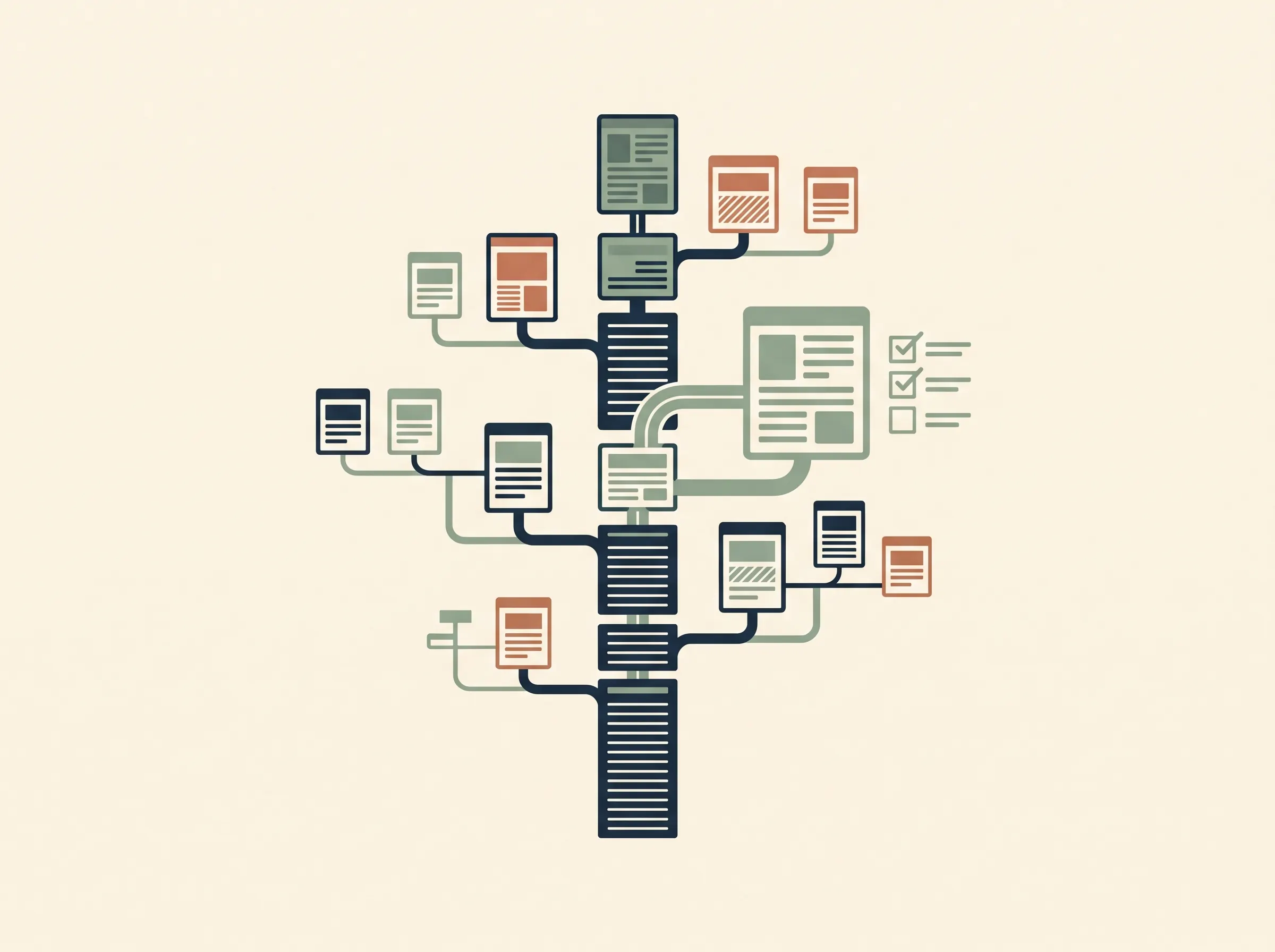
Use this permission check for each client:
- Choose whether the client should view, comment or edit.
- Share only the intended client pages with the appropriate guest or link access.
- Review parent pages and linked databases for inherited or broader access.
- Open the portal with a test guest account that has no owner access.
- Confirm that the client can find the current file and use the agreed feedback route.
- Remove access when the work ends, and check any public links you enabled.
Notion’s documentation explains sharing and page permissions and how public pages can be duplicated. Public publishing lets someone duplicate a reusable template into their own workspace. For private project information, invite named clients to the pages they need. Keep any reusable starter page free of client details before publishing it.
A separate portal for each project can make boundaries easier to understand, but it is not a security guarantee by itself. Do not place confidential information in a public page. If your client’s confidentiality requirements need controls that your Notion setup cannot provide, use a service designed for those requirements.
Keep the maintenance job small
A portal stays useful only if someone keeps it current. Decide who owns the status, where the latest file goes and how quickly feedback is acknowledged. A simple routine is to update the task status when work changes, add a dated decision after a review, and remove obsolete links when a new version replaces them.
Do not promise that clients will stop emailing. Some will still use the channel they already know. When a message arrives, reply there if needed, then bring the decision or current status back to the agreed project page. The portal should be a dependable reference with clear instructions for the client.
A template should also be easy to tailor. Notion’s public-page duplication flow lets a person duplicate a public page into a workspace, including its sub-pages. The copy becomes theirs to edit. Check the duplicated pages for content that does not fit the new project, especially example text, old links and access settings. Read Notion’s guide to duplicating public pages before publishing a starter page for others to copy.
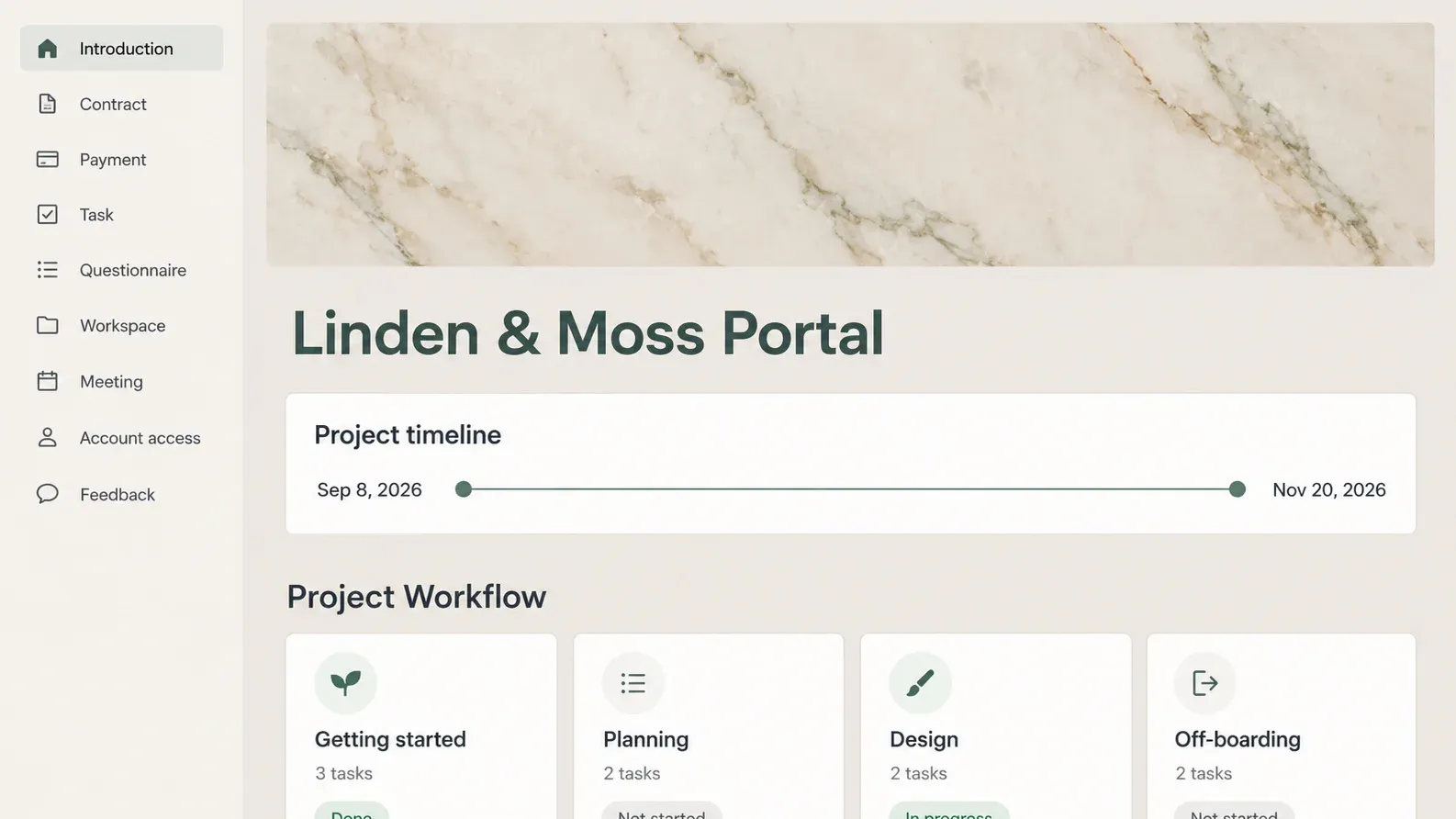
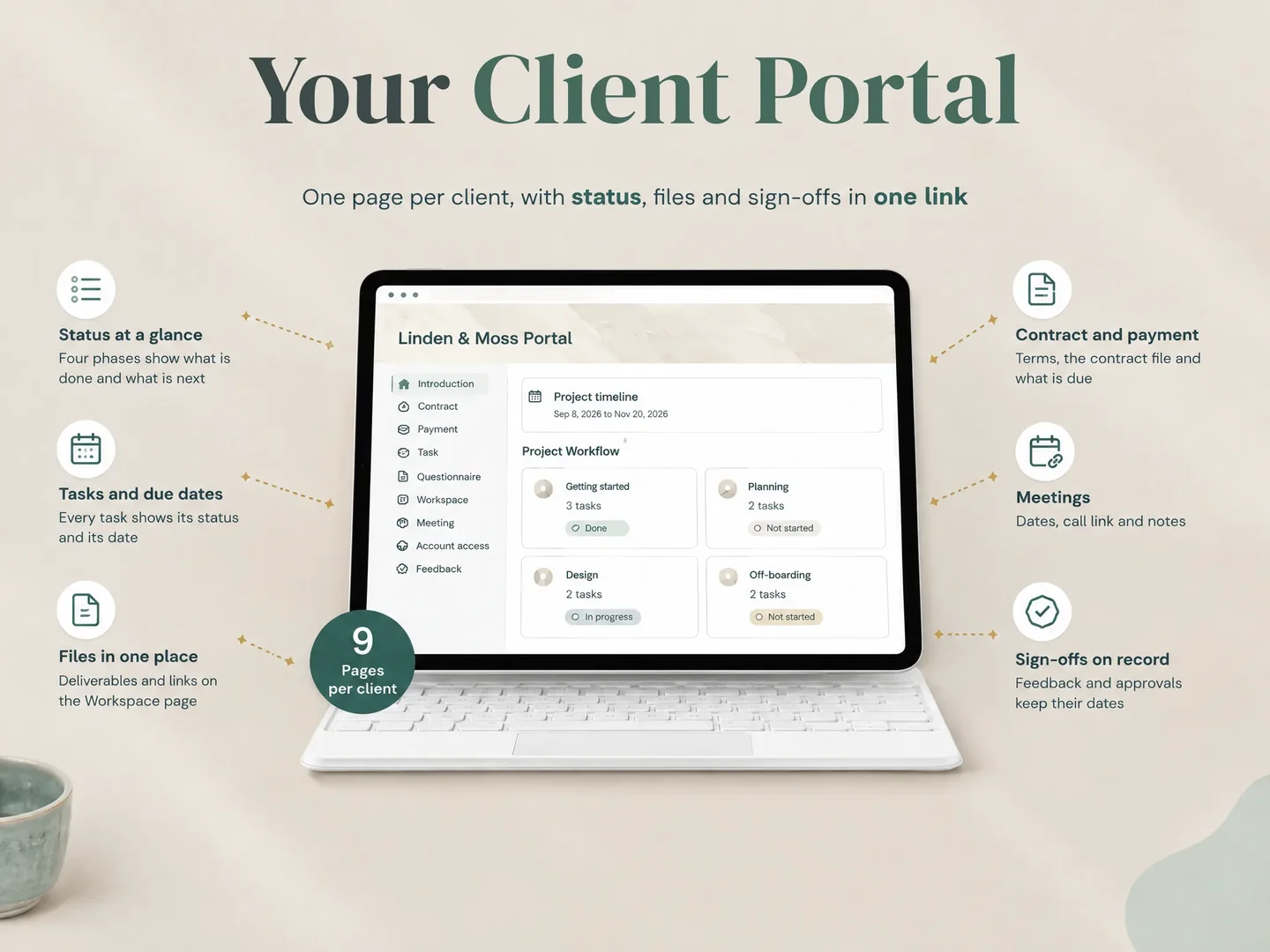
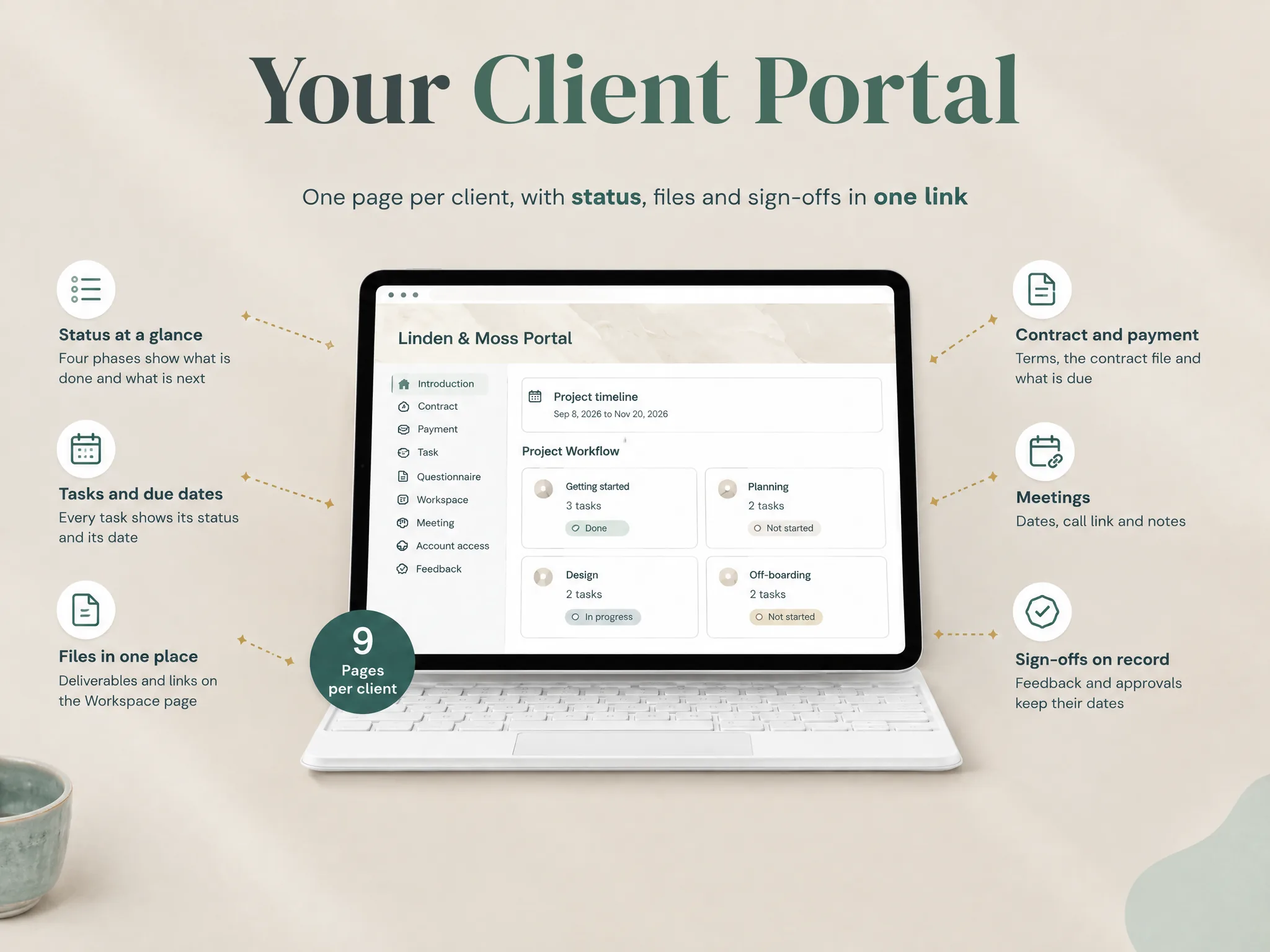
For a small studio, keep the recurring setup short: make a clean project copy, remove unneeded sections, add current references, invite the client and test the client view. The Notion Client Portal template's contents list includes a client portal with Introduction, Contract, Payment, Task, Questionnaire, Workspace, Meeting, Account access and Feedback pages, alongside five hubs and dated planners for 2026 and 2027. Those are available sections, not a requirement to show every page to every client.
What the client sees is the test that matters
A template is a fit when its page structure matches the work and the studio can maintain it. The test is whether a client can find the current status, locate the right deliverable and understand how to respond, while seeing only what they should see.
Walk through one active project before copying the setup across the studio. Ask a colleague who does not own the workspace to follow the client route. Note every point where they ask where to click or which file is current. Fix the labels and links, then repeat the access check with a guest identity. Do not use a public link for private project data just because it is easier to open.
If the portal also needs to collect money, obtain signatures or send automated reminders, list those actions separately. Compare a dedicated client workflow platform with a Notion portal by the tasks each one performs. Notion is useful as a flexible project reference; its pages do not replace services for transactions or automation.
Why Trust This Article
Notion Client Portal by Cosmo Suite publishes this guide and makes the template discussed here. The page recommendations are based on the approved template contents and the actions a client needs to take: read the current status, open a file and send feedback. The client-studio example is illustrative, not a customer story. Notion sharing details were checked against its official help pages on 28 October 2026. Read our about page and editorial policy for publisher and sourcing details.
When a client portal template fits
A client portal template can suit a freelancer or small studio that needs one organised project reference and is comfortable maintaining it. It does not make a shared page private by default, and it does not add billing, e-signatures or automated workflows. Choose the page structure first, then confirm that your access method meets the needs of each client.
The Notion Client Portal template includes a standalone portal for client-facing work and a combined version with wider business pages. The combined version is view-only for sharing; the standalone portal is the shareable option. The template works on Notion’s free plan, according to its approved contents list. Check Notion’s current plan details for workspace limits and terms before you invite guests.
For a ready-made structure, review the Notion Client Portal template against one real project. Start with the sections the client will use, remove the rest, and make the access test part of your handoff. A clear link helps only when the page behind it is current and correctly shared.
Frequently asked questions
What should a client portal template include?
Include the information a client needs to understand the current status, find the next action, open the right files and send feedback. Add onboarding, meeting or account pages only when the project needs them.
Can I use Notion as a client portal?
Yes. Notion pages can organise client-facing project information. You choose who can access each page and what they can do. Notion does not turn a page into billing, e-signature or automation software.
Does a client need a Notion account to use a portal?
It depends on the sharing method. A guest invited by email needs a Notion account. Anyone with a public page link can view it without an account, but commenting or editing requires login. Do not publish private client material to avoid an account requirement.
How do I keep clients from seeing each other's pages?
Give each client access only to the intended pages, review parent-page and database permissions, and test with a guest account that has no other access. A separate page name alone does not prove that the content is isolated.
Is a client portal template enough to manage a client project?
A template can provide a repeatable page structure. You still need to maintain status, guide clients to the right action and use separate services for tasks such as collecting payments or signatures.
Sources
Keep reading
Client Portal
Notion Client Portal: How to Build One That Clients Will Use (and Where It Breaks)
notion client portal setup in 5 steps: organise client pages, choose sharing permissions and test access, with a worked example for clear project updates.
· 11 min read
Client Portal
Dubsado Alternatives: Choose by the Work You Need Covered
Compare Dubsado alternatives for client onboarding, billing, project delivery and client portals. See which jobs a Notion template can and cannot cover.
· 8 min read
Client Portal
HoneyBook Pricing in 2026: Plans, Fees and Annual Cost
HoneyBook pricing: compare U.S. Starter, Essentials and Premium costs, annual totals and payment fees. See what each plan adds before you choose.
· 7 min read
