Client Portal
How to Share a Notion Page Without a Client Account
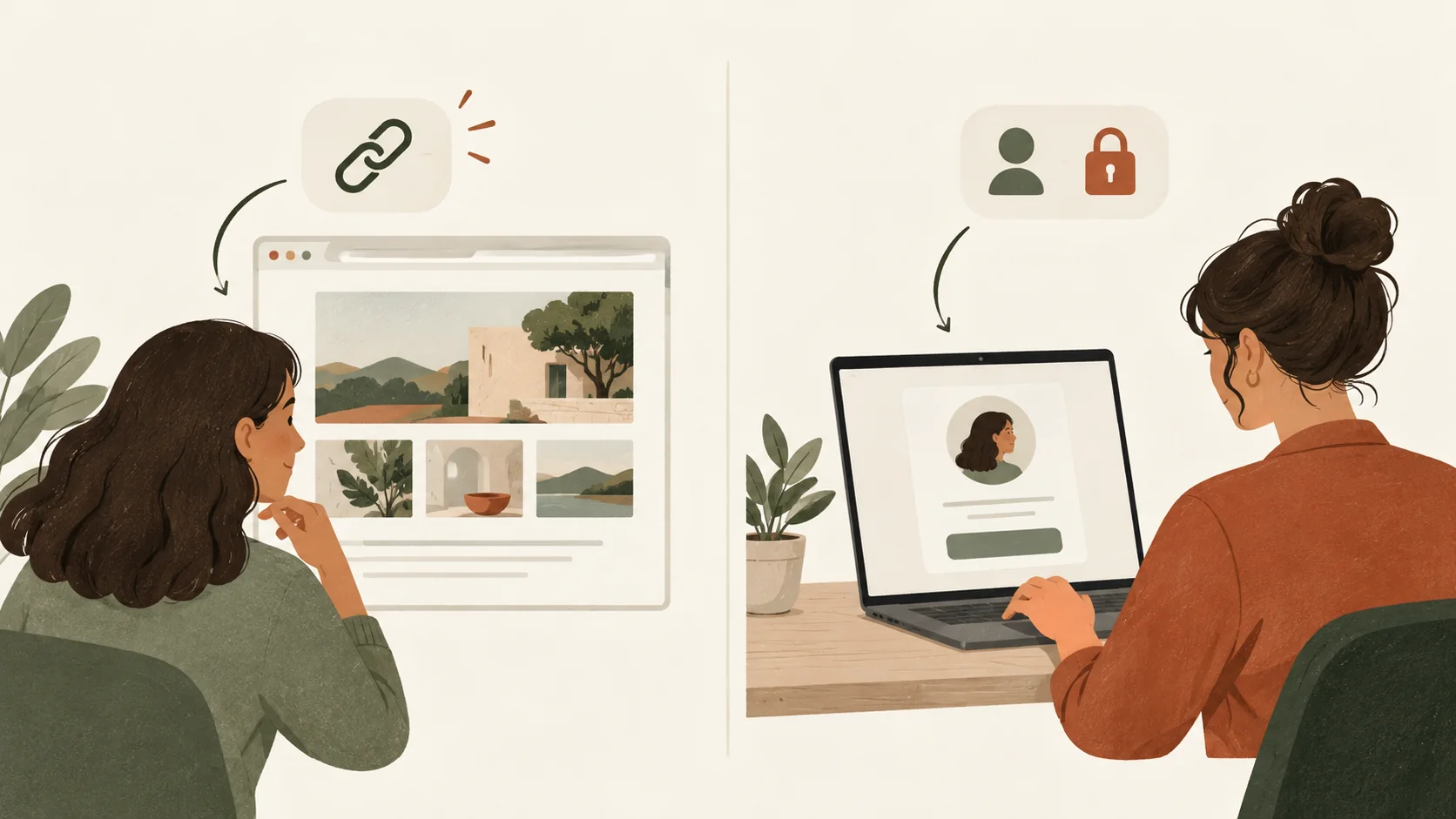
Share a Notion page without a client account by using a public view-only link. Learn when to invite a guest instead and what to check before you send it.
· 8 min read
6 articles from the Notion Client Portal blog.
Client Portal
Share a Notion page without a client account by using a public view-only link. Learn when to invite a guest instead and what to check before you send it.
· 8 min read
Client Portal
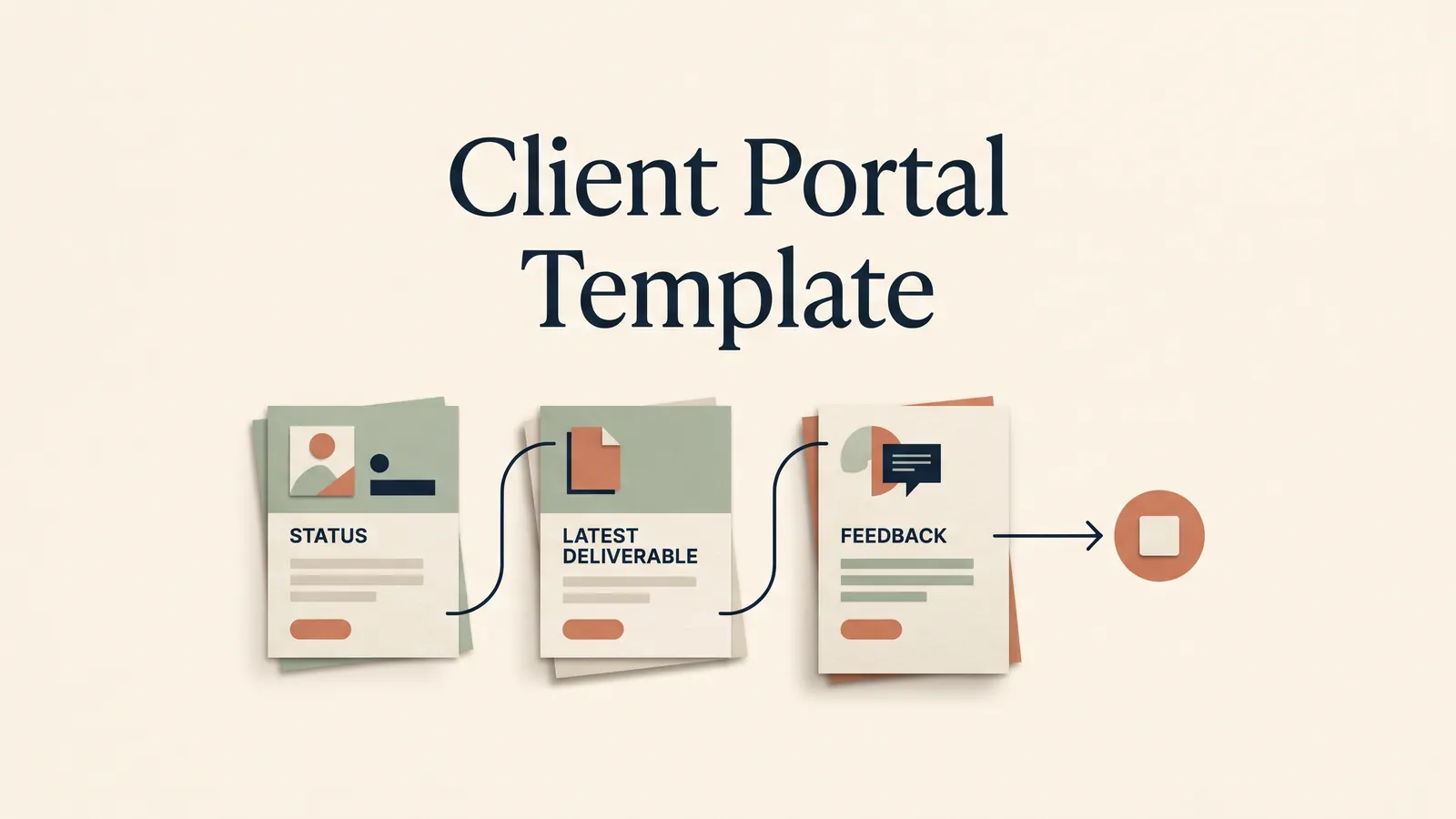
Client portal template planning starts with client actions and the pages they need. Choose sections, set access and test a sample project before you share it.
· 8 min read
Client Portal
ClickUp client portal or Notion for client work? Compare shared tasks, guest access, client pages and approval workflows before choosing for your studio.
· 9 min read
Client Portal
Compare Dubsado alternatives for client onboarding, billing, project delivery and client portals. See which jobs a Notion template can and cannot cover.
· 8 min read
Client Portal
HoneyBook pricing: compare U.S. Starter, Essentials and Premium costs, annual totals and payment fees. See what each plan adds before you choose.
· 7 min read
Client Portal
notion client portal setup in 5 steps: organise client pages, choose sharing permissions and test access, with a worked example for clear project updates.
· 11 min read
Notion Client Portal
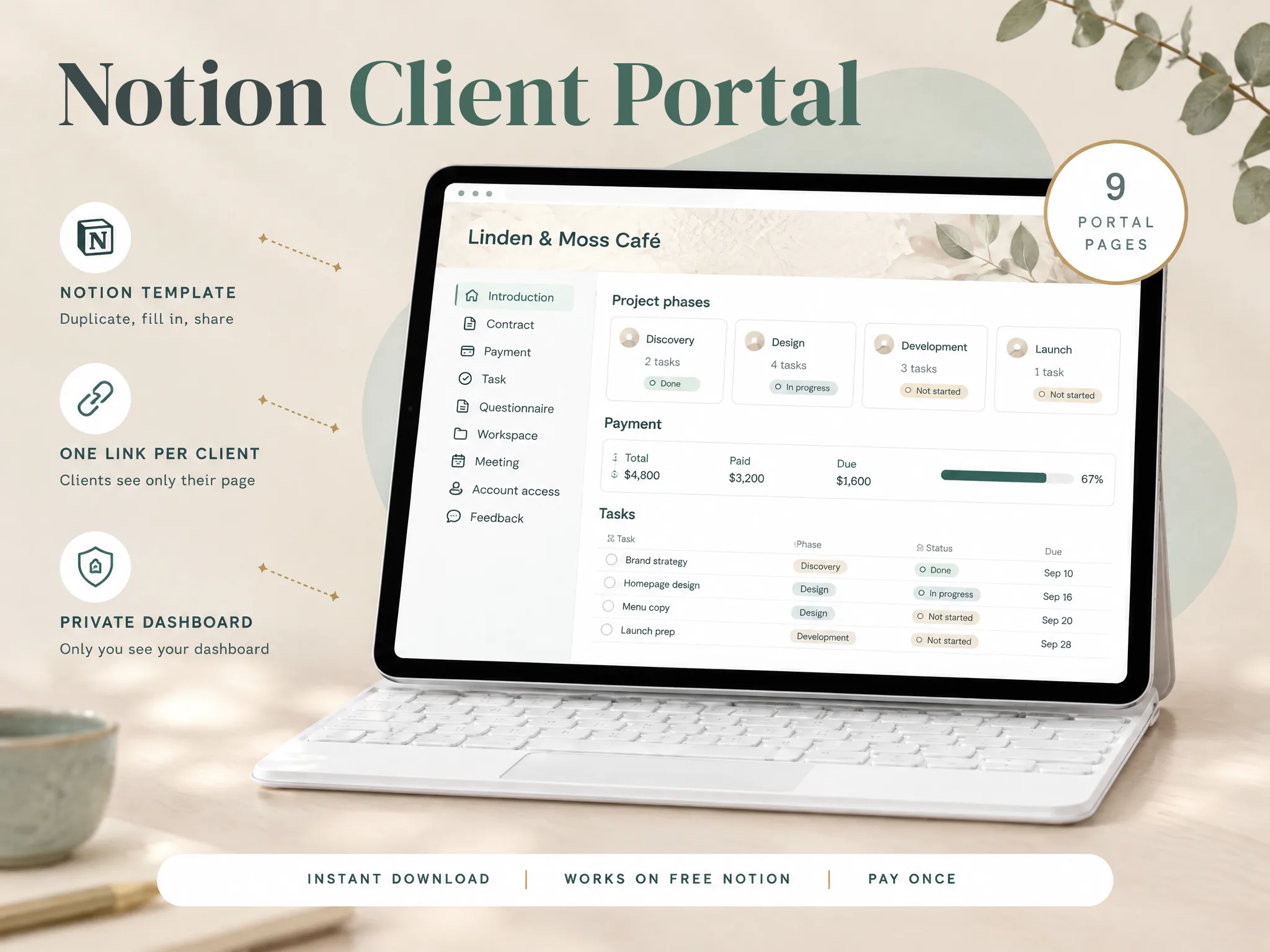
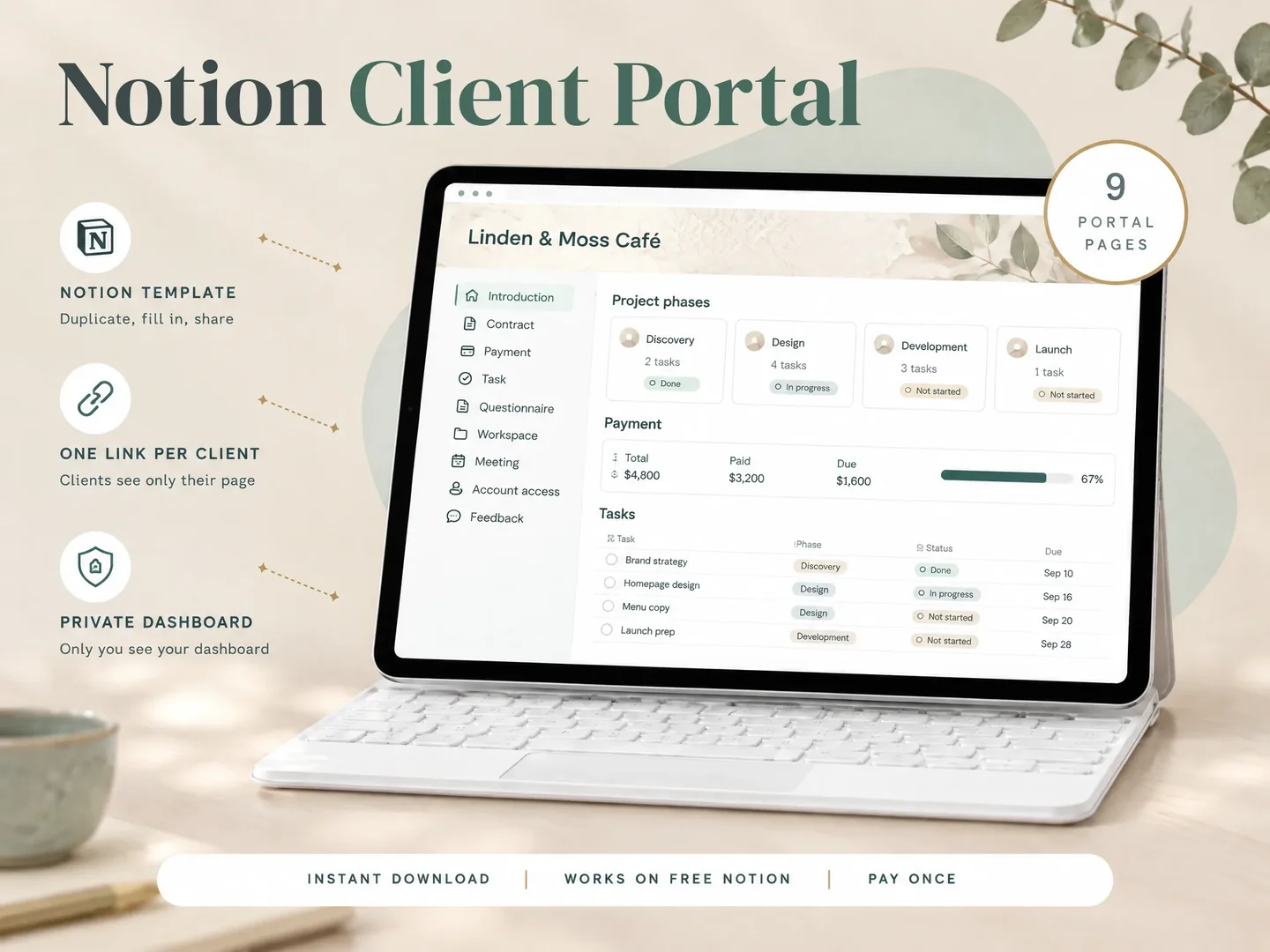
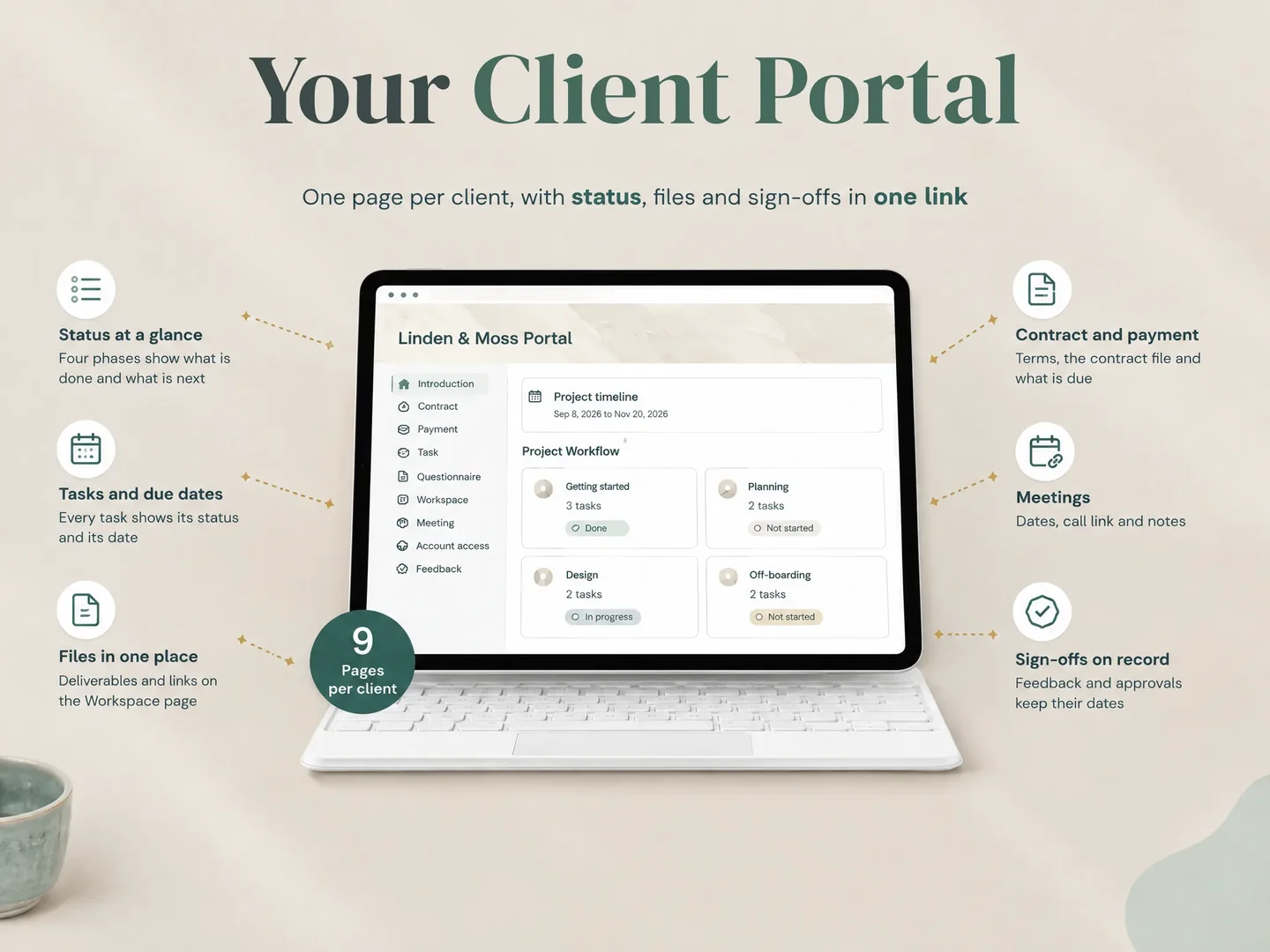
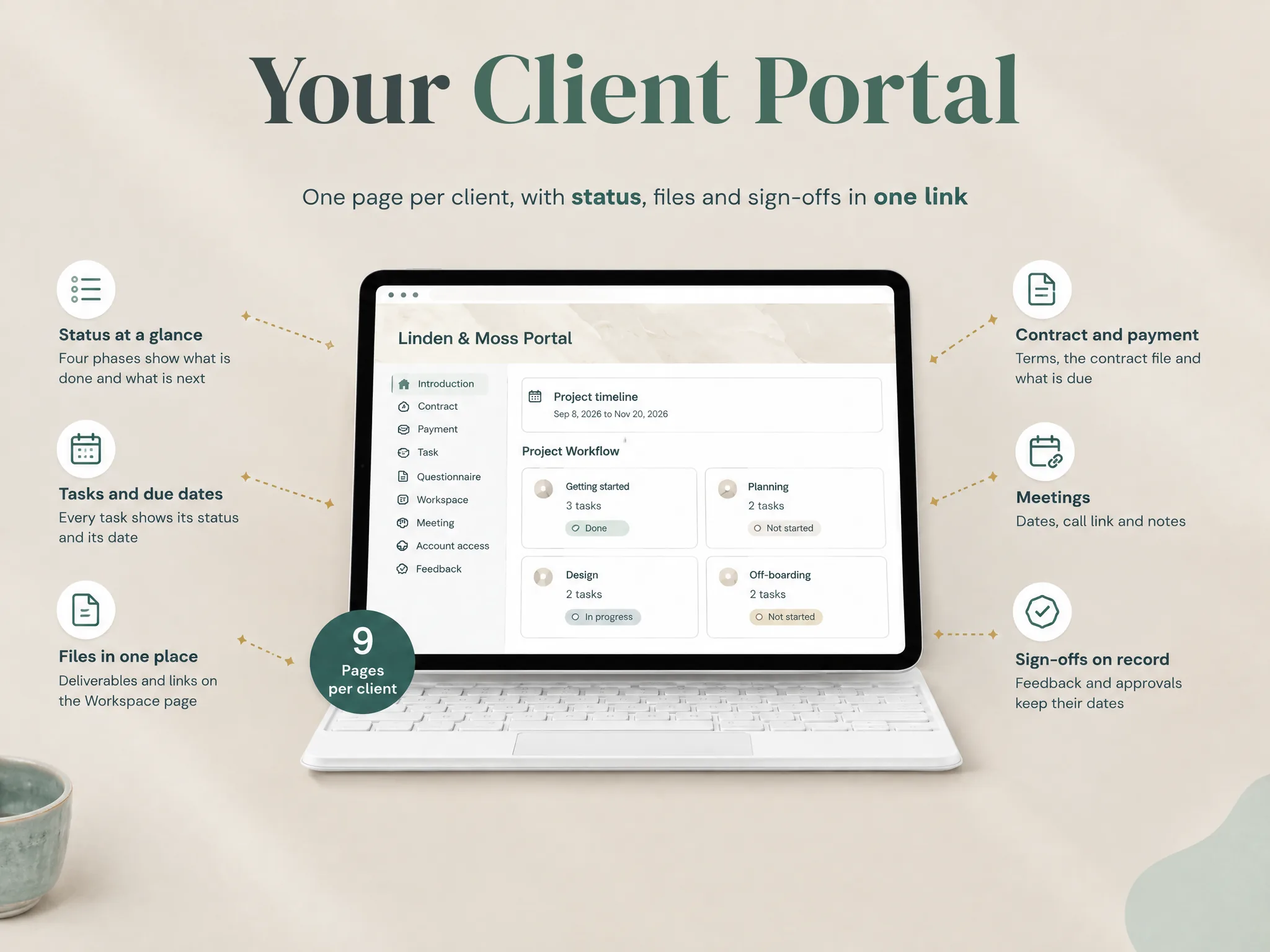
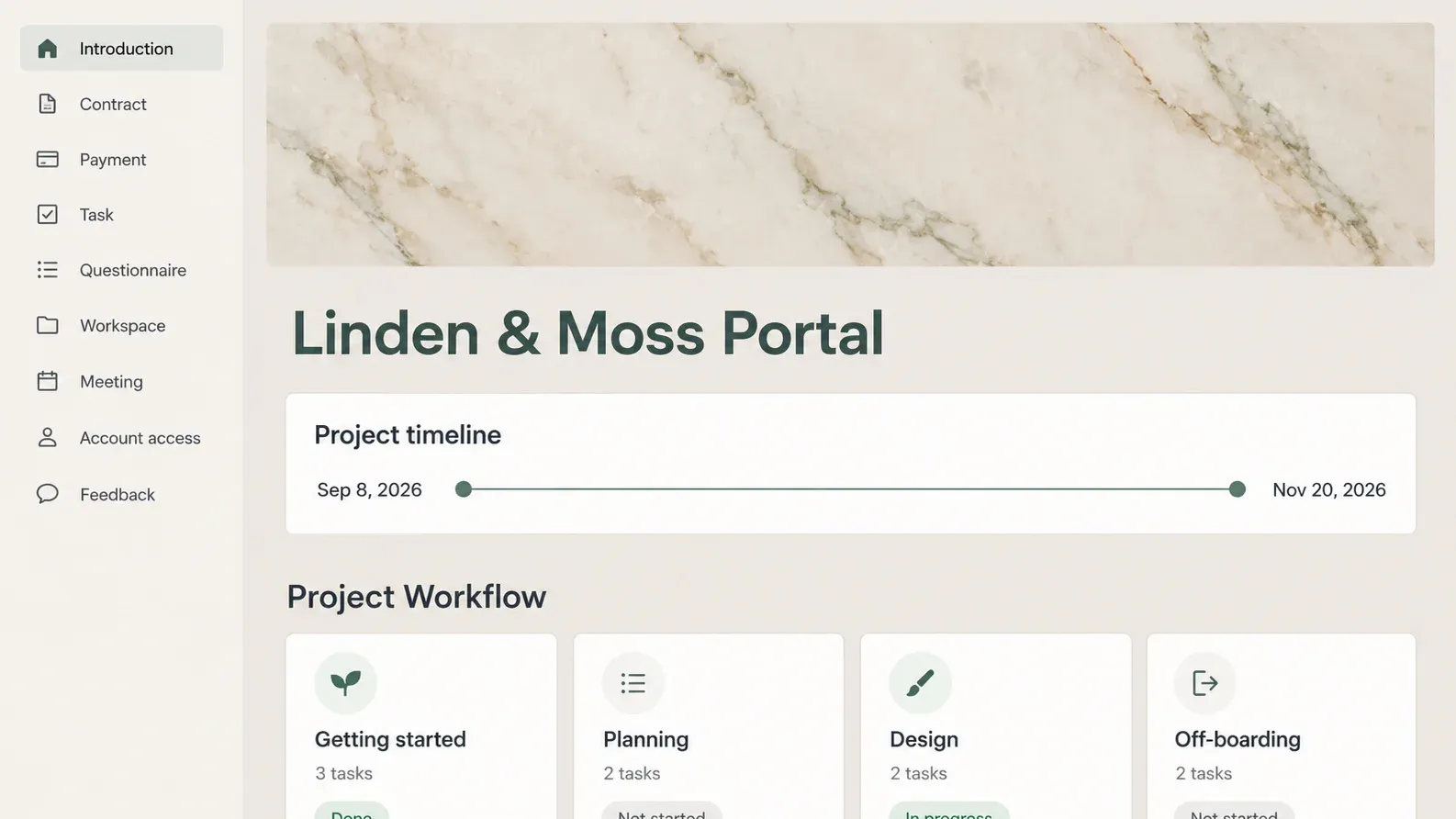
One Notion page per client with status, tasks, files and sign-offs in one link. Pay once.
Get instant access