How to Share a Notion Page Without a Client Account
Share a Notion page without a client account by using a public view-only link. Learn when to invite a guest instead and what to check before you send it.
By Notion Client Portal by Cosmo Suite · Editorial policy
Published · 8 min read
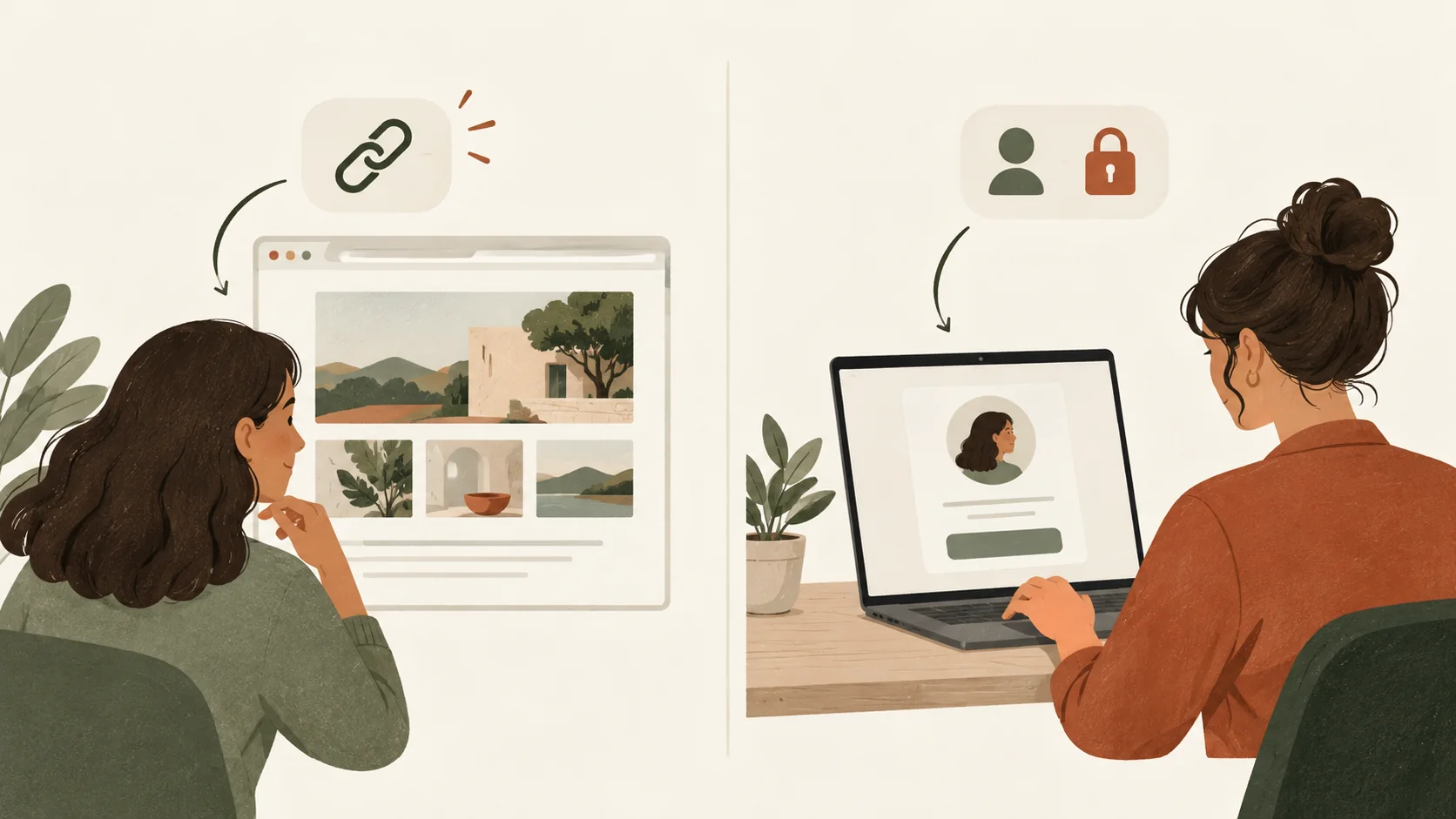
Illustrative client message: Can I open the project page without making an account? If you need to know how to share a Notion page with a client without a Notion account, use a public view-only link. A client invited privately as a guest needs a Notion account, and commenting or editing a public page also requires a login.
Both choices start in Notion's Share menu, which can make them look more alike than they are. One gives anyone with the URL a public view; the other invites a named person to a private page. If the page contains confidential project material, an account-free link may not be the right answer.
In Brief
- A public Notion page can be viewed by anyone who has its link, without an account.
- A guest invited to a private page needs their own Notion account.
- A public link is not a private client login. Turn off search indexing does not restrict link access.
- Check subpages, linked databases and contributor details before publishing.
A public Notion link works for view-only access
A public link is a page address that anyone who has it can use to view the page. Set a Notion page to public web access when an account-free client view is acceptable. The client does not need a Notion login just to read it.
Notion's sharing guide makes a separate distinction for actions. Visitors need to be logged in if they want to comment or edit a page shared with anyone on the web. So decide what the client needs to do before you send the link:
- If the client only needs to read a project brief or check a status, a public view-only link may be enough.
- If the client must comment or edit, expect them to sign in.
- If the page should stay private to named people, invite the client as a guest and plan for an account.
Public access is not the same as access for one named client. A link can be forwarded. If you cannot accept that possibility for the material on the page, do not publish it just to avoid asking the client to sign in.
Notion page sharing methods side by side
Choose the sharing method by the client's action and the privacy level of the page. The table compares common routes, not a security guarantee for every workspace setup.
| Method | Does the client need a Notion account? | Who can access it? | Useful when |
|---|---|---|---|
| Public page or “Anyone on the web with link” | No, for viewing; sign-in for comments or edits | Anyone with the link; a published Notion Site may also appear in search when indexing is enabled | The page contains information safe for anyone with the URL to read |
| Private guest invitation | Yes | The invited guest, subject to page and workspace permissions | The client needs private access or collaboration |
| Exported PDF or file | No Notion account to open the file | Anyone who receives the exported copy | The client needs a static snapshot rather than a live page |
An export is a separate copy. If you revise the source page later, the client still has the file you sent unless you send an updated one. A public page stays connected to the Notion page, so later edits can change what a link holder sees.
Notion's public-page guidance says a published page's subpages are also published by default. Review the full page tree before choosing the public option. A database is a structured collection of pages; a view is one way to display that collection. Check any database or view the client can open, along with its linked pages. A clean title and a separate client page do not, on their own, make a public link private.
Public sharing fits information clients can safely view
Use public sharing when the client needs to read material that you would be comfortable exposing to anyone who gets the URL. It can remove the sign-up step for viewing, but it does not verify that a visitor is the client you intended.
For an account-free view link, open Share, set General access to Anyone on the web with link, choose Can view, and copy the URL. If you want to publish the page as a Notion Site instead, open Share, choose the Publish tab, select Publish, then copy the site URL. These are separate public-sharing routes, so confirm which access setting is active before you send the link.
Then check search visibility. Notion's publishing settings include search engine indexing. If you turn indexing off, that affects whether search engines may surface the page. It does not stop a person with the public URL from opening it. Treat an unindexed link as public access, not private access.
There is another detail to review before publishing: Notion says the metadata for a public page may include names, profile photos and email addresses associated with contributors. If a page contains client records or internal notes, do not use a public link simply because the body looks ready to share.
Private guest access fits confidential project work
Invite a client as a guest when the page should be shared with a specific person rather than anyone holding a URL. A guest is someone outside your workspace who receives access to selected pages by invitation. In Notion, enter the client's email in the page's Share menu, choose an access level and invite them. The client receives a page link, but Notion requires guests to have their own account to access it, as explained in its sharing and permissions guide.
This option is a better match for draft work, client-specific details or collaboration where the client needs to comment. It also adds a setup step for the client. Explain that they may need to create an account before they can open the page, and test the invitation with an address outside your workspace.
Guest permissions still need attention. Notion pages can inherit access through parent pages, and shared pages may expose subpages. Check the top-level page and the material beneath it. If your workspace has guest restrictions or has reached its guest allowance, the invite flow may also behave differently. Keep the permission check tied to the exact page you plan to share.
What the client sees when they open the link
For an account-free view, the client opens a web page with the project information you published. Put the project name, current status, next action and the right file near the top. A client should not have to explore your private workspace structure to find what you meant to share.
For example, a three-person brand studio could publish a page with a project status, the current draft link and a note asking the client to review it. The example describes a possible setup, not a test result. The client can read that page through its public link, but cannot leave a comment or edit the page without signing in.
If the client needs to approve a draft, decide how that approval will be recorded before you publish. A public page by itself does not give the client a private identity or a signed approval record. You can ask them to use a separate agreed feedback channel, or invite them to Notion so they can comment after logging in.
A short pre-share check catches access mistakes
Before you send any Notion page to a client, open the exact link in a private browser window and check what a person without your workspace access can see. Review these points:
- Choose the access type. Decide whether anyone with the link may view it or whether the client must be invited privately.
- Remove internal material. Check comments, notes, account details and attachments that are not part of the client handoff.
- Inspect subpages and databases. Notion's public sharing guidance says subpages publish by default. Verify the linked pages and database views as well.
- Set the page to view-only. Do not grant a public visitor permission to edit unless that is intentional and acceptable.
- Check indexing separately. Turn off search engine indexing if you do not want the page surfaced through search, while remembering that the URL still works for anyone who has it.
- Test the client's next action. If they must comment or change something, test the login and permission flow instead of assuming view access includes collaboration.
For a larger set of pages, start with the Notion client portal setup guide and the client portal template checklist. Keep one page per client only if you can maintain each page's access and content separately.
Why Trust This Article
The Cosmo Suite team makes the Notion Client Portal template. This guide is based on Notion's published sharing and web-publishing documentation, checked on 29 October 2026. We have not tested these steps in a live client workspace. Notion can change its interface and workspace controls, so confirm the labels and access behaviour in your own account before sharing client information.
See about us for the publisher and the site's editorial policy for how we check articles.
A template provides structure, not access
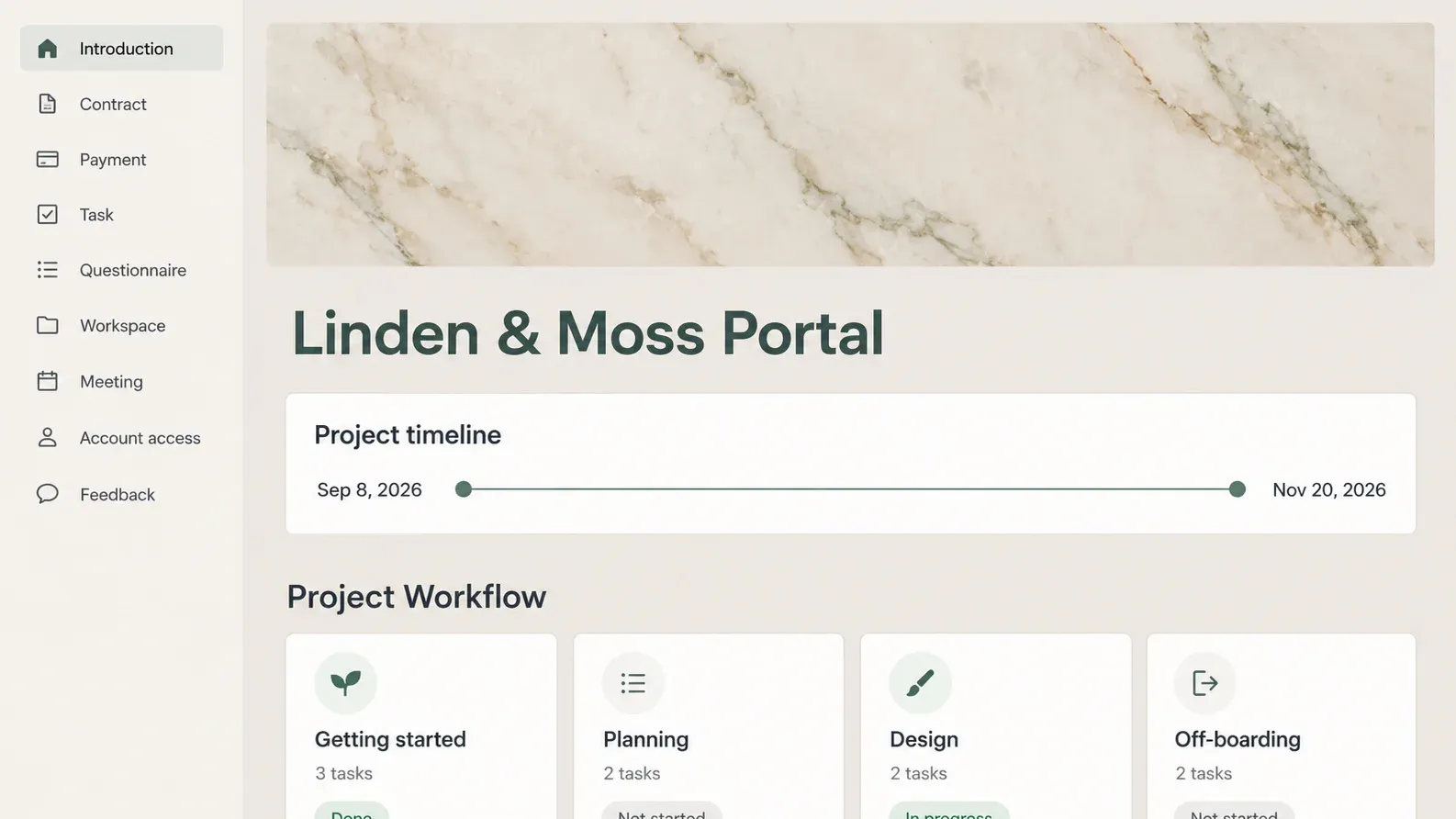
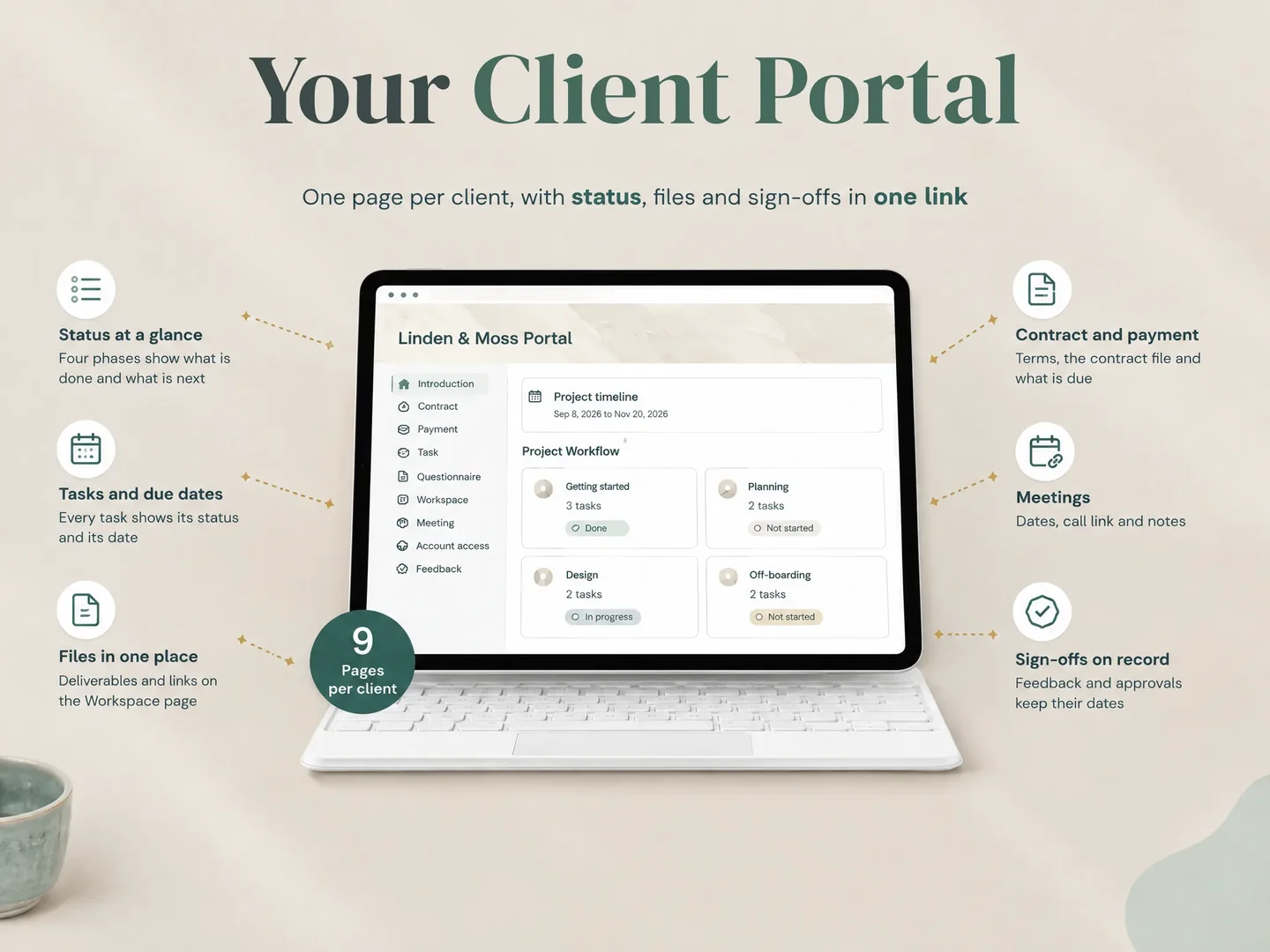
Notion Client Portal (notionclientportal.site) is a template that provides a page structure for client-facing project information. Its client portal includes pages for an introduction, contract, payment, task, questionnaire, workspace, meeting, account access and feedback. It works with Notion's free plan, according to the product contents list.
The template does not set the permissions for you. You still choose whether to publish a page or invite a guest, and you remain responsible for checking the content and links each client can access. See the Notion Client Portal template if you want a ready-made page structure, or use the client portal template checklist to decide what belongs on a client page. Review the template's client portal pages before you choose how to share your own copy.
If your clients need private access and ongoing comments, the public link method may not fit. If they only need to read a limited project page and the contents are safe to expose to anyone with the URL, a public view-only page can remove the account step. Decide from the client's next action and the sensitivity of the page, then test the link.
Frequently asked questions
Can a client view a Notion page without an account?
Yes, if you publish the page or enable access for anyone with the web link. That gives anyone with the link view access. A private guest invitation requires a Notion account.
Can a client comment on a public Notion page without an account?
No. Notion says visitors need to be logged in to comment or edit a page shared with anyone on the web.
Is an unlisted Notion page private?
No. Turning off search engine indexing can reduce discovery through search, but anyone who has the public link can still open the page.
Do Notion page subpages become public too?
Notion says subpages are published by default with a published page. Review subpage permissions and restrict any content the client should not see.
Should I use a public link for confidential client work?
Usually not. Anyone with the link may be able to view it. Use a private guest invitation for confidential material, and remember that the client will need a Notion account.
Sources
Keep reading
Client Portal
Notion Client Portal: How to Build One That Clients Will Use (and Where It Breaks)
notion client portal setup in 5 steps: organise client pages, choose sharing permissions and test access, with a worked example for clear project updates.
· 11 min read
Client Portal
Client Portal Template: What to Include Before You Share It
Client portal template planning starts with client actions and the pages they need. Choose sections, set access and test a sample project before you share it.
· 8 min read
Client Portal
Dubsado Alternatives: Choose by the Work You Need Covered
Compare Dubsado alternatives for client onboarding, billing, project delivery and client portals. See which jobs a Notion template can and cannot cover.
· 8 min read
