HoneyBook Pricing in 2026: Plans, Fees and Annual Cost
HoneyBook pricing: compare U.S. Starter, Essentials and Premium costs, annual totals and payment fees. See what each plan adds before you choose.
By Notion Client Portal by Cosmo Suite · Editorial policy
Published · 7 min read
Illustrative client message: “Is $29 a month what HoneyBook will cost me?”
For a U.S. customer, $29 is the Starter monthly equivalent when billed yearly. HoneyBook's current pricing page lists $36 for monthly billing. Essentials is $49 yearly or $59 monthly; Premium is $109 yearly or $129 monthly. Payment processing fees sit outside those subscription prices.
In Brief
- Compare the billing period as well as the plan name. The yearly-billing prices are monthly equivalents.
- The annualized subscription amounts from those displayed rates are $348, $588 and $1,308.
- Card and bank-transfer processing fees are additional. Which plan fits depends on the work you need HoneyBook to handle.
The monthly equivalent is not the amount to budget
The annual plan advertises a monthly equivalent. Budget for the full billing period: multiply that rate by 12, then check checkout for the amount, taxes and any promotion.
HoneyBook lists three U.S. plans. The page showed Starter at $29 per month billed yearly, Essentials at $49 and Premium at $109 when checked on 19 October 2026. It also showed monthly billing rates of $36, $59 and $129. Prices vary by region and can change, so these figures are a dated U.S. snapshot.
HoneyBook's billing help page says members can choose monthly, annual or two-year billing and switch billing options. It also explains when a plan change takes effect. The current price for any two-year offer is not part of the table below; check the account page before comparing it.
HoneyBook pricing side by side
The annualized amounts below are simple multiplication of the monthly equivalents displayed on HoneyBook's U.S. pricing page. They make the commitment easier to compare, but they are not a quote for every account.
| Plan | Monthly equivalent, billed yearly | Monthly billing | Annualized amount at yearly rate | Useful difference |
|---|---|---|---|---|
| Starter | $29 | $36 | $348 | Core client workflow, invoices, contracts and client portal |
| Essentials | $49 | $59 | $588 | Adds automations, scheduler and more team capacity |
| Premium | $109 | $129 | $1,308 | Adds unlimited team members, multiple companies and advanced reports |
If you paid the monthly rate for 12 months, the arithmetic totals would be $432 for Starter, $708 for Essentials and $1,548 for Premium. That is $84, $120 and $240 above the corresponding annualized yearly rates. This comparison excludes taxes, discounts, later price changes and processing fees. Annualized subscription amount means the displayed monthly rate for a yearly plan multiplied by 12. It helps compare billing periods; it is not a checkout quote.
For example, a solo designer who needs invoices and contracts may find Starter covers the core tasks. If they also want automated follow-ups or a scheduler, Essentials adds those tools. This is a feature-based comparison, not a claim that one tier saves every studio money. List the steps you already do by hand, then check whether the plan adds a feature you will use.
HoneyBook says its plans include unlimited clients and projects. The plan decision is more about tools, team access and limits than the number of client records. Check the current plan comparison before you decide, especially if you need a specific form, integration or scheduling limit.
What changes between Starter, Essentials and Premium
All three plans cover the central client workflow. HoneyBook lists a client portal, proposals and contracts, invoices and payments among its features. Each tier then adds different capacity and tools.
Starter: a solo business's core workflow
Starter includes invoices and payments, proposals and contracts, a client portal, basic reports and up to two live lead forms on the page checked. It suits someone who wants to manage the client journey in one service and does not need the extra automation and team features listed on higher plans.
The pricing page also lists a calendar, professional templates and HoneyBook AI. If your decision depends on a particular feature, use the feature comparison for that item. Feature names can sound similar while their plan limits differ.
Essentials: more automation and collaboration
Essentials includes the Starter features and adds a scheduler, automations, QuickBooks Online integration, up to two team members, more live lead forms, SMS reminders and removal of HoneyBook branding from the client experience.
Look at this tier if you would use those additions every week. Before upgrading, list the steps a scheduler or automated follow-up would replace. If your work mostly needs a project page, task list and feedback record, you may not need the extra automation.
Premium: more team and business capacity
Premium adds unlimited team members, multiple companies, advanced reports, priority support and more lead-form capacity, according to the pricing page. A larger team or a business that manages separate companies may have a reason to choose it. A solo studio should compare those features with its actual process before paying for them.
HoneyBook's official plan details provide further feature notes. The pricing page and help content can change at different times, so confirm the exact combination shown for your region and account.
Add payment processing to the subscription
If clients pay through HoneyBook, the subscription is only part of the cost. Its U.S. pricing page lists card processing fees starting at 2.9% plus $0.25 and bank transfer fees at 1.5%. The same page’s FAQ still says 2.7% plus $0.10, so verify the rate shown for your account before estimating costs. A processing fee is the charge tied to a payment transaction, so the amount changes with the payment and method.
For scale, at the listed starting card rate, a $1,000 card payment would calculate to $29.25: $29 from 2.9% of $1,000, plus $0.25. This is an illustrative calculation, not a statement of the fee on every account or card. HoneyBook's page says card fees start at that rate. Verify the terms for your payment method, location and account, and include actual processing fees when you review your costs.
Methodology: Plan rates and processing fees come from HoneyBook's U.S. pricing page checked on 19 October 2026. Annualized amounts are the displayed yearly-billing monthly equivalents multiplied by 12. The payment example applies the pricing comparison’s listed starting card rate to a single $1,000 charge; HoneyBook’s page FAQ shows a different card rate. No HoneyBook account, billing checkout or live payment was tested.
This distinction matters when comparing a software subscription with a manual workflow. A low subscription fee does not tell you the full cost of receiving payments, and a portal page alone does not collect a card payment. Compare the tools that perform each job and keep processing costs on their own line.
What the client sees
A client portal is the part of a workflow a client opens to check a project, find a file or respond to a request. HoneyBook's plan page lists a client portal alongside proposals, contracts, invoices and payments. That portal sits inside a broader client-management service.
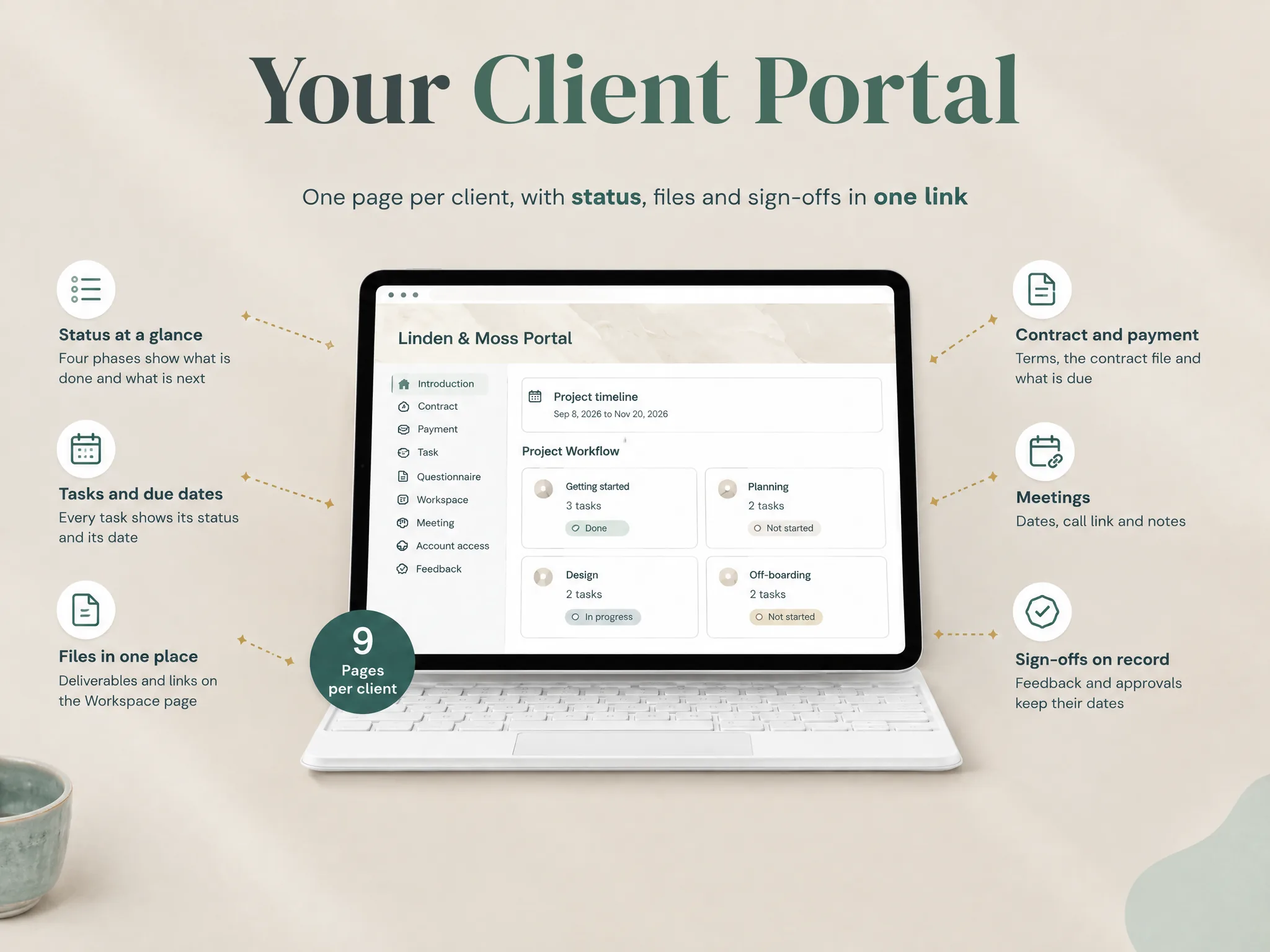
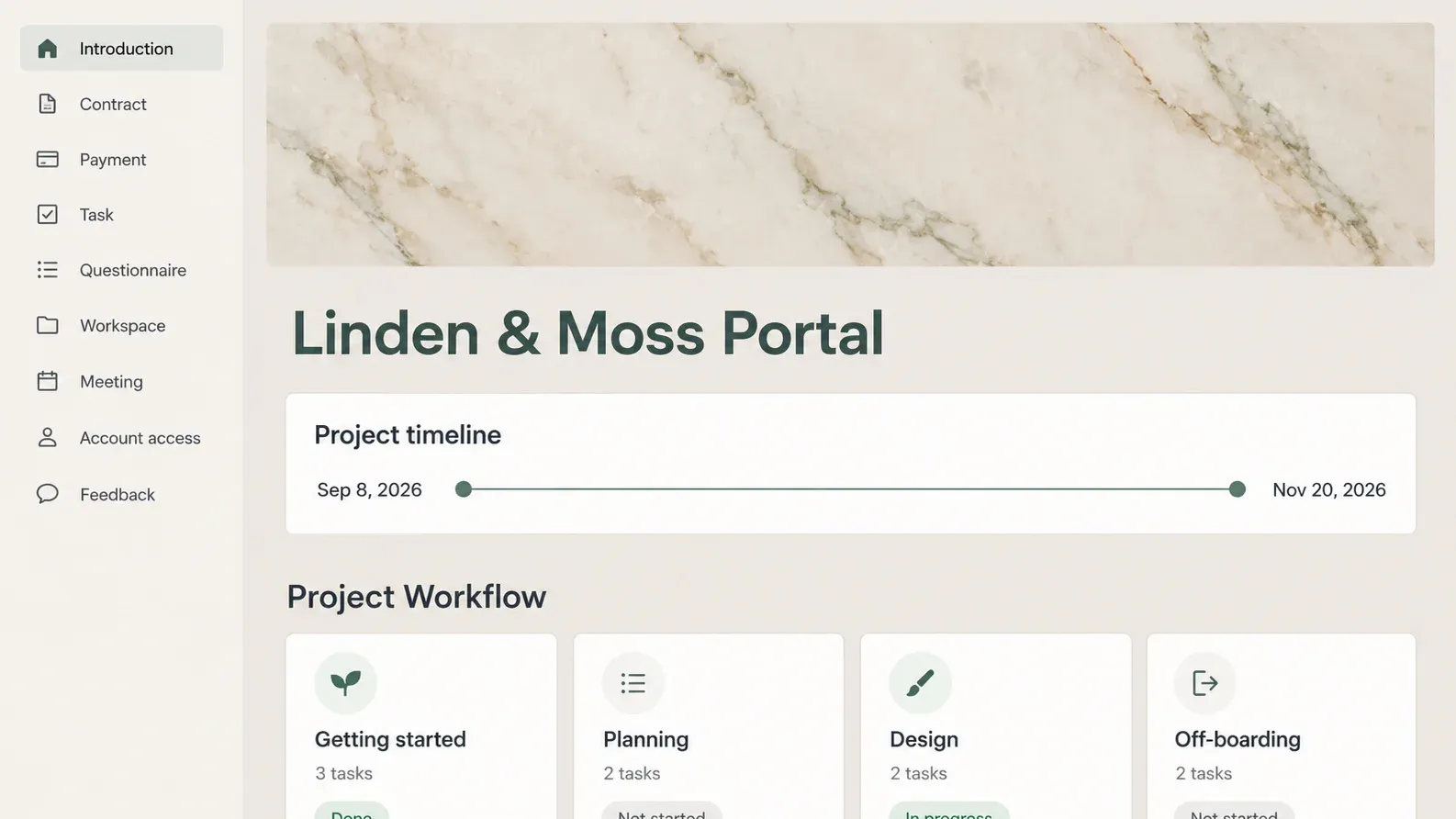
The Notion Client Portal template is a different kind of tool. It gives a studio a page structure for project status, tasks, files, meetings, account-access requests and feedback. The Notion Client Portal template page shows the starting layout and its limits. The screenshot below shows a sample Notion project page. It is not a HoneyBook screen or a test of HoneyBook's client portal.
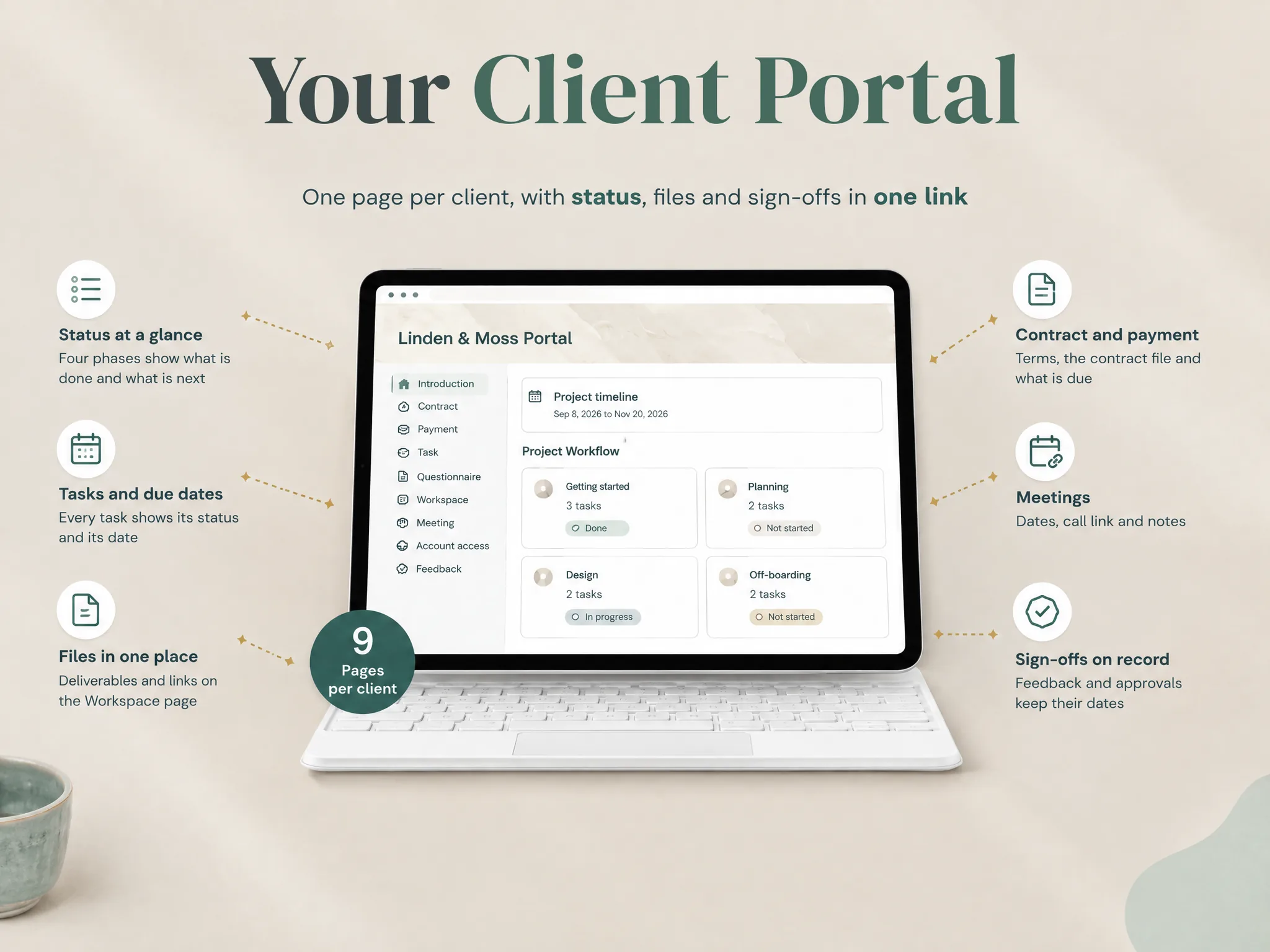
A page called Payment can hold an invoice link or the status you maintain; it does not process a payment. A Contract page can link to an agreement; it does not collect an electronic signature. The structure helps a client find project information, but it does not send automated reminders or run a client lifecycle.
For a walkthrough of the page structure and sharing limits, read how to build a Notion client portal. That guide explains what a client can see and why a filtered database view should not be treated as an access boundary.
Why Trust This Article
The Cosmo Suite team makes the Notion Client Portal template. We checked the U.S. HoneyBook pricing page and its membership help pages on 19 October 2026. This article summarizes those published pages and shows arithmetic based on their listed rates. We did not run a HoneyBook account or test its client workflow.
HoneyBook can update prices, plan limits and processing terms. Confirm the plan and billing details shown for your country before subscribing. See our About page and editorial policy for how we describe the template and evaluate sources.
Where the Notion Client Portal fits
Choose HoneyBook when you want a client-management service that combines proposals, contracts, payments and project work. Its subscription and processing fees support that broader job. If those features replace tools you already pay for, compare the total workflow rather than the portal screen alone.
Choose a Notion portal when you mainly need a clear project page for status, files, tasks and feedback. Keep billing and signatures in the services you already use. The Notion Client Portal template includes nine client-facing pages, from Introduction and Task to Account access and Feedback. It is a Notion template, not payment-processing or contract software.
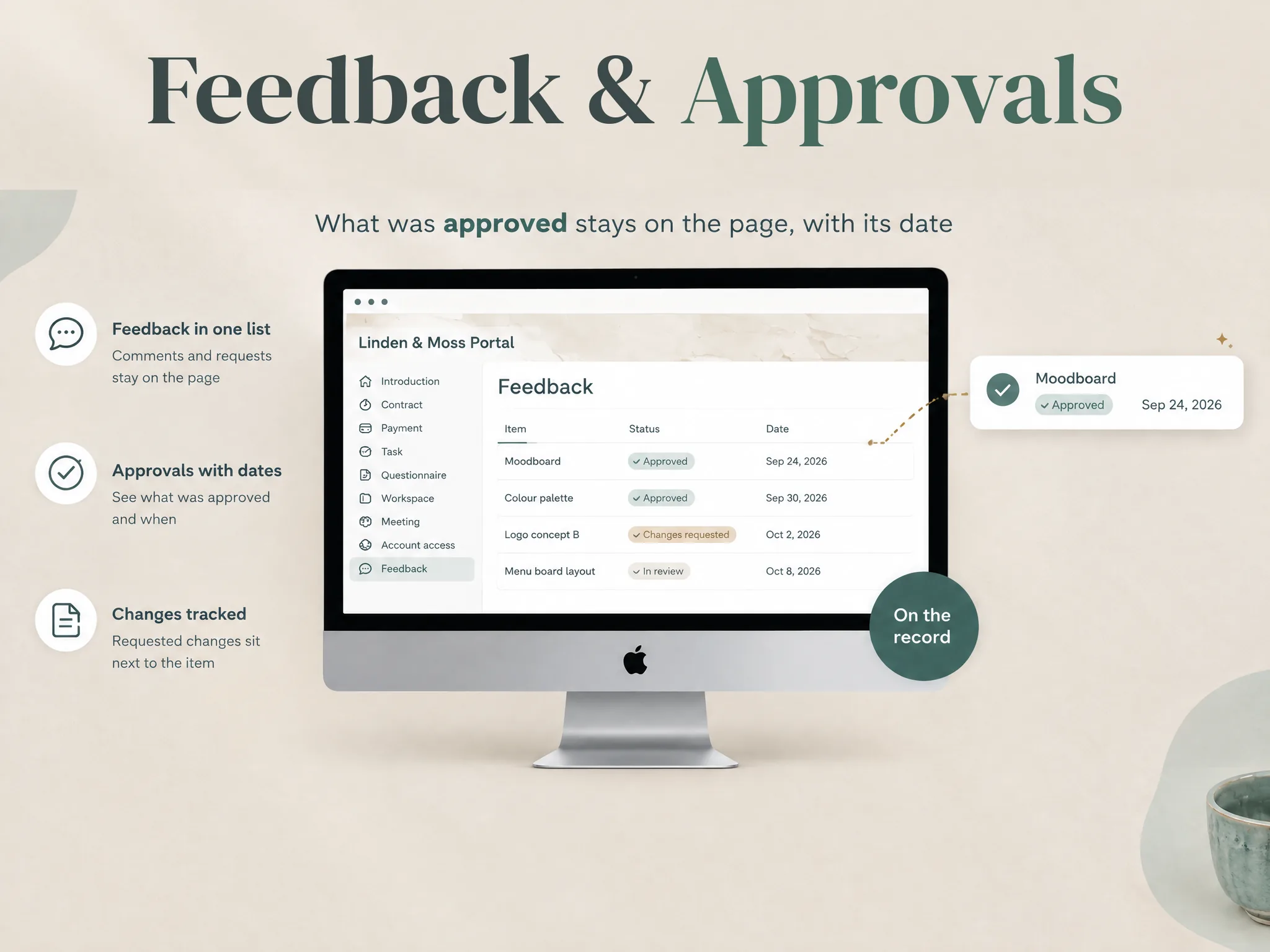
You can see the Notion Client Portal page structure and remove sections that do not fit your work. The template works with Notion's free plan, but it does not isolate clients by itself: review each page's sharing settings and linked files before inviting someone. If you need both a project-facing page and HoneyBook's transaction workflow, keep each tool responsible for the job it handles. The HoneyBook alternatives comparison explains that split in more detail.
Sources
- HoneyBook Pricing, U.S. page checked 19 October 2026.
- HoneyBook membership billing questions, checked 19 October 2026.
- HoneyBook membership plan features, checked 19 October 2026.
Frequently asked questions
How much is HoneyBook per month?
On the U.S. pricing page checked 19 October 2026, Starter is $29 per month billed yearly or $36 billed monthly. Essentials is $49 yearly or $59 monthly. Premium is $109 yearly or $129 monthly. Payment processing fees are separate.
Is HoneyBook cheaper if I pay annually?
The displayed U.S. yearly-billing rates are lower than the monthly rates. Multiplying each displayed rate by 12 gives an annualized subscription amount, but confirm the amount, taxes and any promotion at checkout.
Does HoneyBook charge payment processing fees?
Yes. HoneyBook’s U.S. pricing comparison currently lists card fees starting at 2.9% plus $0.25 and bank transfer fees at 1.5%. Its page FAQ still says 2.7% plus $0.10, so confirm the applicable rate in your account terms.
Which HoneyBook plan includes automations?
The current U.S. pricing page lists automations in Essentials and Premium. Starter includes core client, file, invoice and payment features but does not list automations.
Can a Notion client portal replace HoneyBook?
Not if you need HoneyBook to send proposals or contracts, collect payments, or automate client workflows. A Notion portal can organize project status, files, tasks and feedback while those transaction tools stay elsewhere.
Sources
Keep reading
Client Portal
Notion Client Portal: How to Build One That Clients Will Use (and Where It Breaks)
notion client portal setup in 5 steps: organise client pages, choose sharing permissions and test access, with a worked example for clear project updates.
· 11 min read

Client Portal
How to Share a Notion Page Without a Client Account
Share a Notion page without a client account by using a public view-only link. Learn when to invite a guest instead and what to check before you send it.
· 8 min read
Client Portal
Client Portal Template: What to Include Before You Share It
Client portal template planning starts with client actions and the pages they need. Choose sections, set access and test a sample project before you share it.
· 8 min read
