Hello Bonsai Alternatives: Which One Fits Your Client Work?
Hello Bonsai alternative options compared by the client actions you need: a portal, billing, contracts or a plain project page, with prices checked 20 November 2026.
By Notion Client Portal by Cosmo Suite · Editorial policy · Last updated
Disclosure: we make Notion Client Portal, one of the two products compared here. Facts about Bonsai come from its public pages, linked with the day we checked them.
The short answer
Choose Bonsai when invoices, proposals and a client portal should live in one paid suite. Compare HoneyBook or Dubsado if their client workflow matches yours. A Notion portal template fits when the client mainly needs one link with status, files and sign-off notes, and you keep billing and signatures elsewhere.
Feature comparison
| Feature | Notion Client Portal | Bonsai | Notes |
|---|---|---|---|
| Client portal | Yes | Yessource | Bonsai describes a portal where clients open projects, documents and invoices from a secure link without creating an account. The template organises a client-facing Notion page that you share with each client. |
| Invoices, payments, proposals and contracts | No | Yessource | Bonsai lists invoices, payments, proposals and contracts from Essentials up. The template has Payment and Contract reference pages but does not process a payment or collect a signature. |
| Automations and scheduling | No | Yessource | Bonsai lists scheduling on Essentials and automations from Premium. A Notion template does not send reminders or run client workflows. |
| Client-specific access | Yes | Yessource | Bonsai gives each client a link to their own portal. On Notion you choose between an invited guest, who needs a Notion account, and anyone with the link, who does not. Test each client's view before sharing. |
Pricing
| Product | Price | Checked |
|---|---|---|
| Notion Client Portal | $9 one-time payment | Our current price |
| Bonsai | Basic $15/user/month or $9/user/month billed annually; Essentials $25 or $19; Premium $39 or $29; Elite $59 or $49US pricing shown on Bonsai's public pricing page when checked 2026-11-20. Every plan is priced per user. The client portal is listed from Essentials up. Confirm region, tax and billing term before deciding. | As of · source |
Prices change. Bonsai's price is as listed on its own pricing page on the day shown; check it there before you buy.
Who should pick which
Pick Notion Client Portal if
- You want one page per client for status, tasks, files, feedback and sign-off notes, and will keep invoices and contracts in the services you already use.
- You already work in Notion and can check each client's access before sending a link.
Pick Bonsai if
- You want invoices, payments, proposals, contracts and a client portal inside one paid service.
- You rely on scheduling and automated follow-ups to run client work.
Where Bonsai is strong
- Bonsai's portal page describes clients opening projects, documents and invoices from a secure link without creating an account.
- Bonsai lists invoices, payments, proposals, contracts, forms, scheduling and a client portal from Essentials up, so the client journey stays inside one paid service.
- Bonsai's portal page says the portal can carry your logo, colours and branding.
Illustrative client message: "Can you send me the latest draft again? I cannot find the file, and I am not sure which version I approved."
When that message arrives after you have sent the file twice, the file was not the problem. Status, files and approvals sit in three different places, and the client is doing the joining. Bonsai is one answer: it puts a client portal beside invoices, contracts and project work. It is also more software than a two-person studio sometimes needs.
If you are weighing a Hello Bonsai alternative, the decision usually turns on what your client has to do, not on how long the feature list is. Here, Hello Bonsai means the business software sold at hellobonsai.com, now branded simply as Bonsai. A client portal is the part of a service a client opens to see project information. A Notion template is a set of pages you duplicate into your own workspace, so it follows Notion's sharing rules rather than a vendor's login.
In Brief
- Choose Bonsai when invoices, payments, proposals and contracts belong beside the client portal in one paid service.
- Compare HoneyBook or Dubsado if their client workflow and plan prices suit you better. Check each official page on the day you decide.
- A Notion portal template fits when the client needs one clear link for status, files and sign-offs, and your studio already handles money and signatures elsewhere.
- Before switching, test one client through the new route. Access is the step most studios get wrong.
Hello Bonsai Alternatives Side by Side
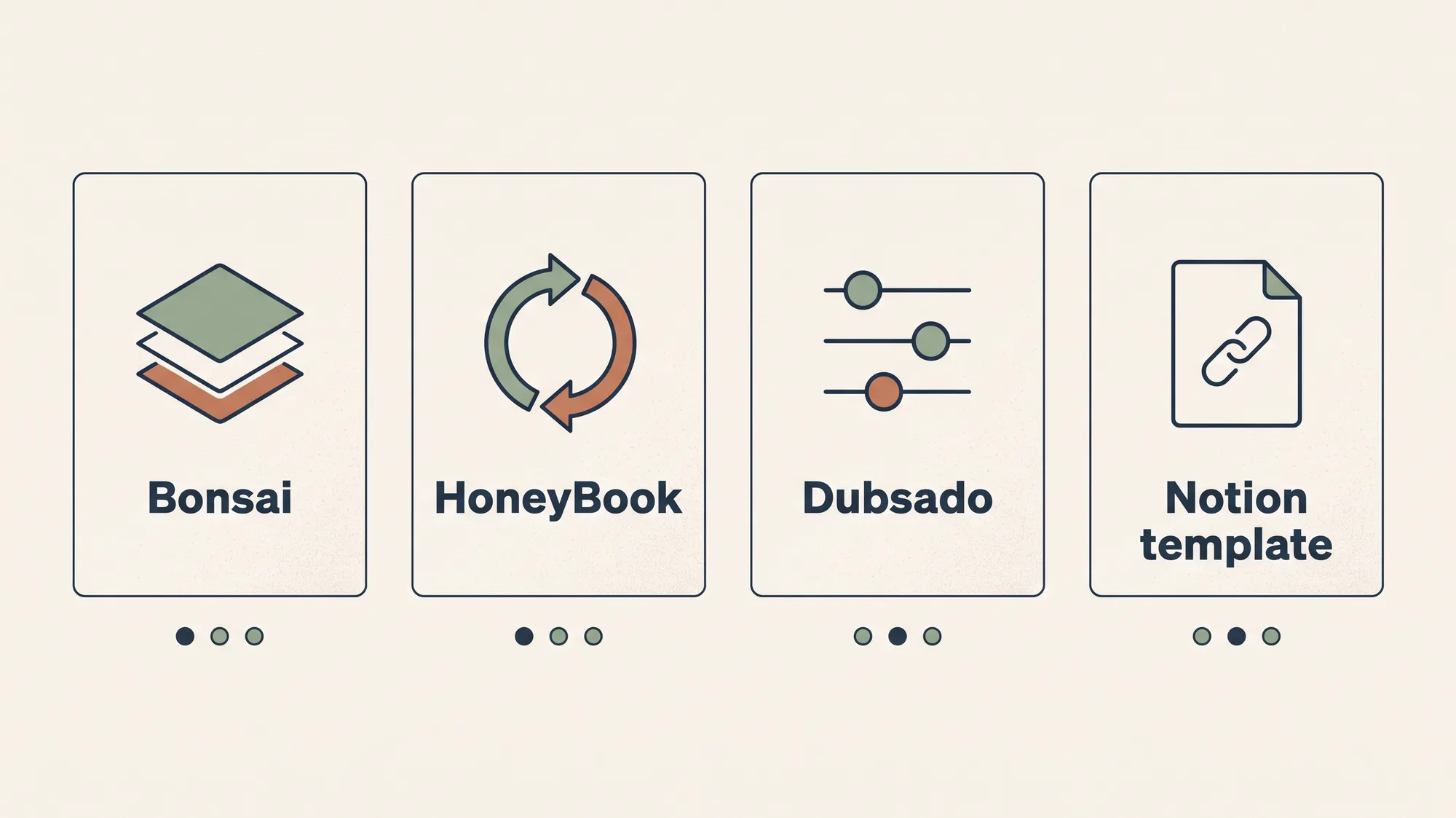
Start with the actions your client must take, then pick the service that supports them. Prices below were checked on 20 November 2026. Every vendor can change a plan, so confirm the figure on its own page before you commit.
| Option | What the client gets | Price context | Best for |
|---|---|---|---|
| Bonsai | A portal with projects, documents, invoices and messages, opened from a secure link without an account | $15 to $59 per user per month, lower when billed annually; portal from Essentials up | Studios that want the portal and the billing workflow in one service |
| HoneyBook | A client portal inside its own project and payment workflow | Starter $36/month, or $29/month billed annually; Essentials and Premium cost more | Businesses that already run enquiries and payments through HoneyBook |
| Dubsado | Client portals on both plans, with forms and invoices; workflows on Premier | Starter $335/year, Premier $525/year | Studios that want a configurable client process and will build the workflows |
| Notion portal template | One page per client with status, tasks, files, feedback and sign-off notes | A one-time template; the Notion plan and its sharing rules still apply | Studios that want a project reference and keep billing and signatures elsewhere |
Bonsai's pricing page lists four plans, each priced per user: Basic at $15 per month or $9 billed annually, Essentials at $25 or $19, Premium at $39 or $29, and Elite at $59 or $49. The client portal appears from Essentials up, with proposals, contracts, forms, scheduling and expense tracking alongside it. A studio with two people pays for two seats on whichever plan it picks.
Start with the client's side of the link
Most comparisons start with the vendor's feature list. Start instead with what your client does in a week. They read the status, open a file, answer a question, leave feedback, approve a version, and sometimes pay.
Write those six actions down and mark each one as display or transaction. Reading status and files is display. Paying and signing are transactions, and they need a service built for them. Most of the choice follows from that split.
- Display only: a Notion page, a shared document, or any portal that shows project information will do.
- Display plus a dated approval: you need one page the client can comment on or sign off, and a record your team can find later.
- Display plus money and signatures: you want the transactions inside the same service, which is what Bonsai, HoneyBook and Dubsado sell.
Count your clients too. A studio with three clients can keep three separate pages tidy. At ten clients, the access check per client becomes the work, so pick the option whose sharing model you will actually maintain. If you are still deciding what the portal should hold, this client portal template checklist walks through the pages before you share anything.
For example, a two-person studio with six active clients runs the same check six times if it shares Notion pages: open the link in a private window, follow each subpage, confirm no other client appears. In Bonsai the check is one link per client that the vendor issues. The work is smaller, and the trade is that the client record lives in a service you rent.
What the Client Sees
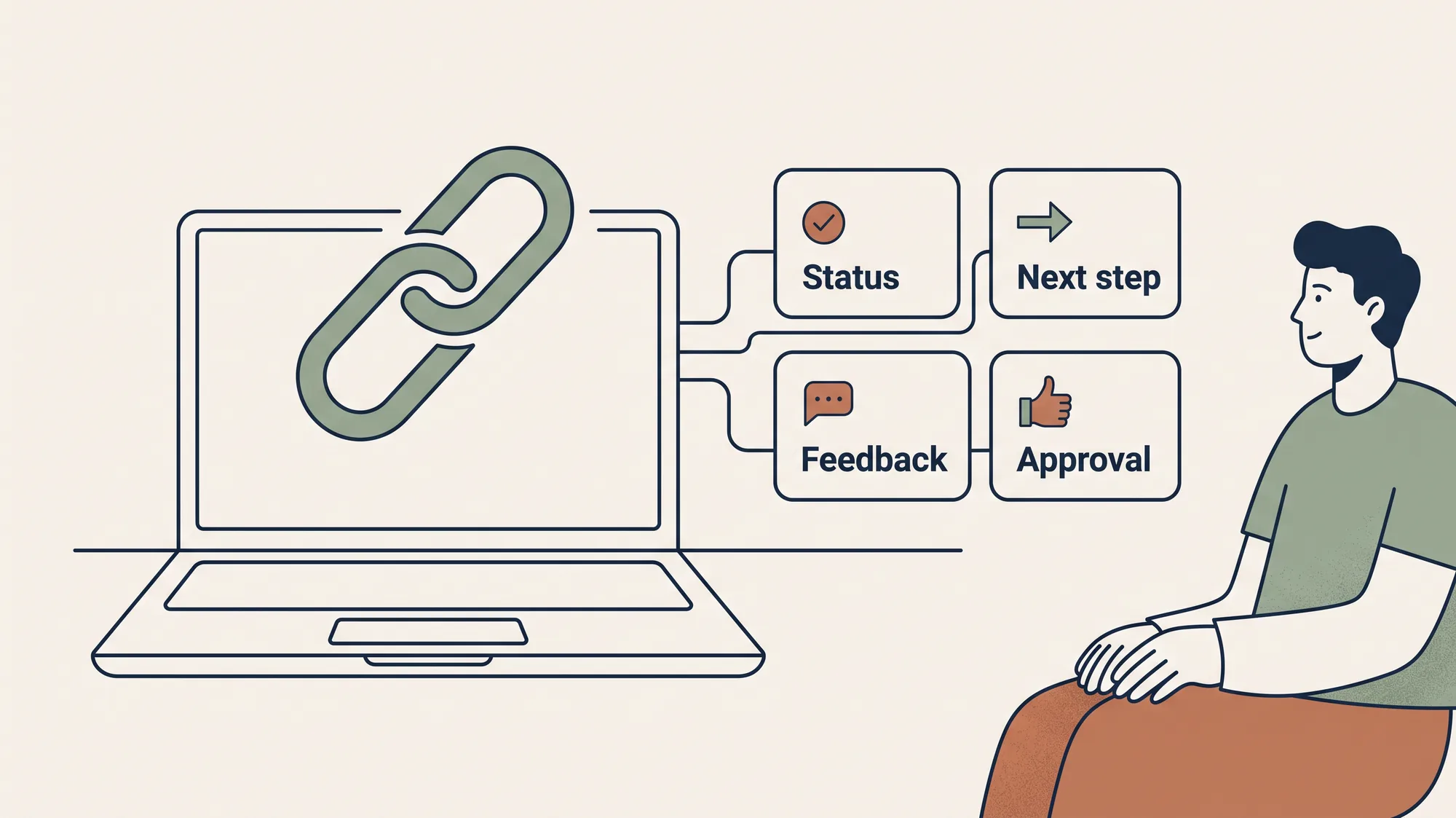
Picture the Friday afternoon when a client wants to know where the project stands. The first screen should answer three questions without a meeting: what is happening now, what comes next, and where the decision goes.
In Bonsai, the client opens a secure link and sees their projects, documents and invoices, with messaging inside the portal. Bonsai's portal page says clients do not need to create an account, and that the portal can carry your logo, colours and branding. That removes the objection small studios hear most often, which is that clients will not log in to one more tool.
On Notion, the client sees exactly the pages you share. There are two routes, and they behave differently. Notion's sharing guide says an invited guest needs their own Notion account. The "anyone on the web with link" option lets someone view a page without being a Notion user, but it is a link, not a named client boundary, so it can be forwarded. Commenting or editing needs a login either way. Invited guests also have a plan limit. Notion's pricing page lists an external guest limit of 10 on the Free plan, so a studio with more than ten active clients either shares links or pays for a plan with a higher limit.
The guide also states that a subpage takes on the permissions of its parent page. That is the detail to check before you send anything: open the client's link in a private browser window, follow every subpage, and confirm the client cannot reach another client's work. The Notion client portal permissions guide covers that check step by step.
When Bonsai is the right pick
Bonsai earns its price when the portal is one part of a bigger job. If your studio sends proposals, collects deposits, tracks expenses and chases unpaid invoices, keeping all of that in one service saves you from stitching tools together.
The plan ladder matters here. The client portal starts at Essentials, so the Basic price is not the price of a portal. Automations start at Premium, according to the same plan list, so a studio that wants reminders to run on their own should compare Premium rather than Essentials. Add the per-user rule and the monthly figure for a two-person studio is double the advertised seat price. Elite also requires three users minimum, so a two-person studio cannot buy that tier at all. Bonsai lists a 7-day trial of the full product.
Two limits matter before you switch. Bonsai's portal is a client view of records you keep in Bonsai, so leaving means deciding where those records live next. And the portal sits inside a paid subscription, which is fine if you use the rest of the suite and wasteful if you only ever open the portal.
When HoneyBook or Dubsado fits better
HoneyBook suits a studio whose work starts with an enquiry and ends with a payment. Its pricing page lists Starter at $36 per month, or $29 per month billed annually, with Essentials at $59 or $49 and Premium at $129 or $109. The client portal, invoices, contracts and proposals are listed on all three plans. Forms, scheduling and team size are where the plans separate. Starter allows up to two live lead forms and one scheduling session with email reminders. Essentials raises that to 10 live forms, unlimited sessions with SMS reminders, automations and up to two team members. Premium removes the form and team member limits.
Dubsado suits a studio that wants to build its own client process. Its pricing table lists Starter at $335 per year and Premier at $525 per year, with client portals on both. Premier adds public proposals, automated workflows, scheduling and Zapier. Dubsado prints annual prices only and offers a 21-day trial of Premier, so compare the yearly figure with the monthly rate you would pay elsewhere rather than with a monthly equivalent you calculated yourself.
Both sit closer to Bonsai than to a template: they are client-management services with a portal attached. If you are choosing between them specifically, this HoneyBook alternatives comparison sets out the same decision from HoneyBook's side.
What actually decides it
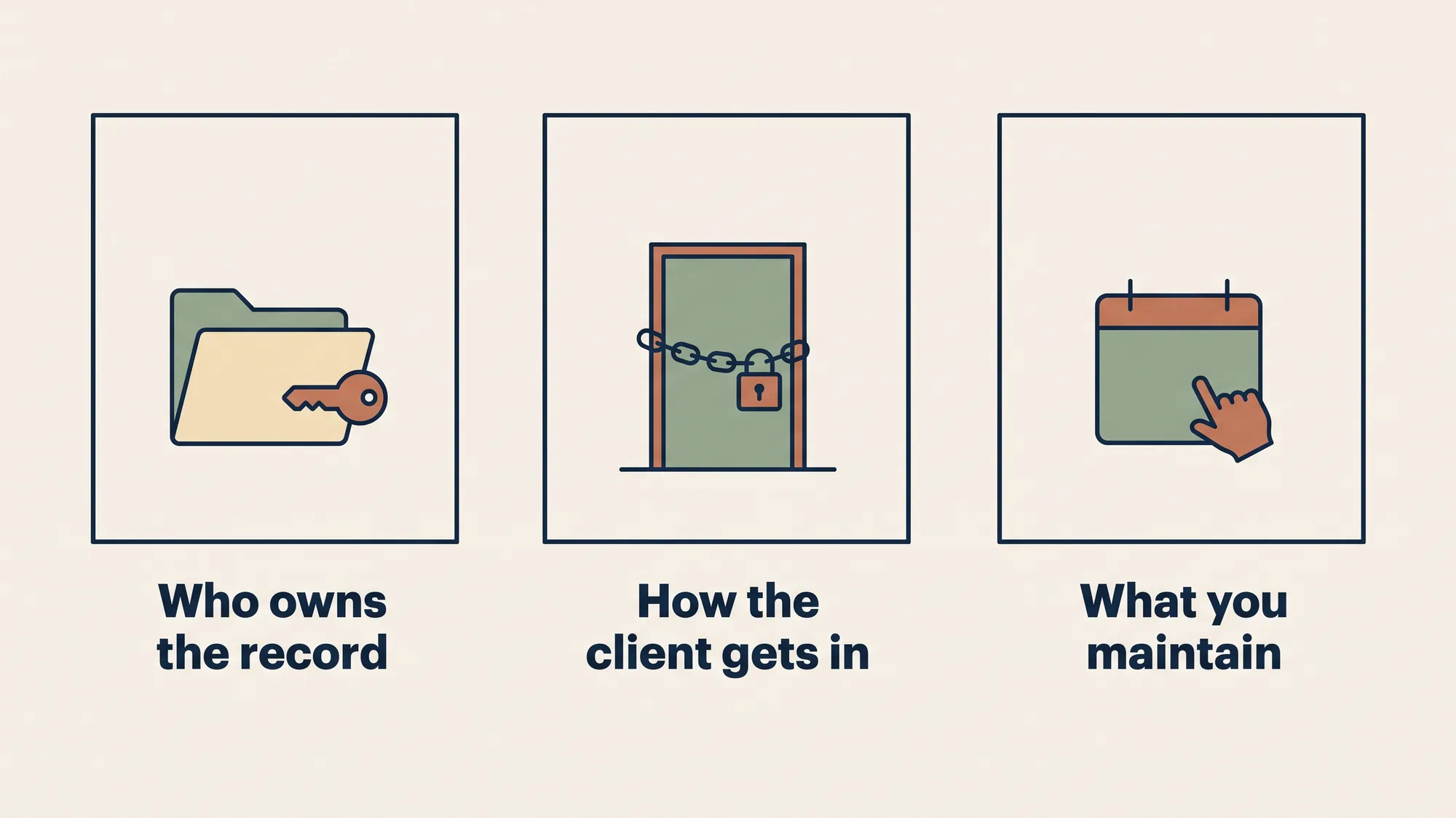
The feature lists look similar at a glance, so the decision usually turns on three things that no comparison table shows well.
Who owns the record. In a paid suite, the service owns the client record and you export it when you leave. In Notion, you own the page and can restructure it whenever the work changes. Neither is better in general, but only one of them matches how your studio already works.
How the client gets in. A branded portal link with no account is the easiest client experience. A Notion link is nearly as easy for viewing, but the difference between a guest and a public link is a decision you have to make per client and check per client.
What you will maintain. A suite keeps its own workflow running. A template is only as current as the person who updates it. If nobody on the team owns the Friday status update, a portal will go stale in either system.
Why Trust This Article
The Cosmo Suite team makes the Notion Client Portal template, so we have a stake in this comparison. We read the official Bonsai, HoneyBook, Dubsado and Notion pages on 20 November 2026 and recorded each price and limit as published. We did not run paid trials of Bonsai, HoneyBook or Dubsado, so every claim about them comes from their own pages. Prices and plan contents change, so check the vendor's page before you switch. Read about us and our editorial policy for how we review product information, or contact the team with a correction.
Where Notion Client Portal Fits
The Notion Client Portal template is a Notion workspace setup for the client-facing side of project work. It includes a client portal of nine pages (Introduction, Contract, Payment, Task, Questionnaire, Workspace, Meeting, Account access and Feedback) that you duplicate for each client, plus a freelancer dashboard with five areas and planners dated for 2026 and 2027. The download also includes the portal as a standalone template, a setup guide page and a sample client.
Use it when the client needs one link with status, tasks, files, feedback and sign-off notes, and your studio is comfortable managing Notion permissions. It works on the free Notion plan. It does not process payments, collect e-signatures, run automations, send notifications or provide a branded login, so keep those jobs in the services you already use.
One limit matters for sharing. The combined version shares view-only, because of a Notion database limit. The standalone portal is the shareable option, so pick the version that matches how much you want the client to see. You can review the template's client portal pages, then test one real project before moving every client across.
Run one client through the new route first
Do not cancel Bonsai on the strength of a comparison table. Move one low-risk project, then judge the result.
- List what the client does today. Include the link they use, the files they open, the questions they ask and the approval they give.
- Rebuild that route in the new option. One page per client, the same files, a named place for feedback and a dated sign-off.
- Test the access from outside. Open the link in a private window, follow every subpage, and confirm no other client's work is reachable.
- Keep both systems for one cycle. Leave the old portal live until the new route has carried one full approval without an email chase.
- Write down what you will miss. Invoices, signatures and reminders are the usual gaps, so decide now which service keeps each one.
If the client still emails for the status after that test, the software was not the problem. If one link answers the question, you have the lighter option.
A lighter option for studios that need the page, not the suite
The four options divide by what the client must do. Bonsai, HoneyBook and Dubsado sell a client journey that includes money and signatures. A Notion portal template sells the page the client reads, and leaves the transactions where they already work.
If your clients mainly need status, files and a place to sign off, the Notion Client Portal template gives you that structure in one link per client. If invoices, proposals and contracts belong in the same place, stay with a suite and compare its plans on the vendor's own page.
Frequently asked questions
What is the best Hello Bonsai alternative?
It depends on which parts of Bonsai you use. If you need invoices, payments, proposals, contracts and a portal together, compare HoneyBook or Dubsado on plan features and price. If the client mainly needs one place to read status, find files and leave a sign-off, a Notion portal template can cover that and you keep billing elsewhere.
Is there a free alternative to Hello Bonsai?
A Notion page can be shared with a client at no extra software cost, and Notion lists a Free plan for individuals. That is not the same as a Bonsai replacement: a Notion template does not issue invoices, take payments, collect e-signatures or send automated reminders. Check Notion's current plan limits before relying on it.
How much does Bonsai cost?
On the pricing page checked on 20 November 2026, Bonsai lists Basic at $15 per user per month, Essentials at $25, Premium at $39 and Elite at $59, with lower rates when billed annually. Every plan is priced per user, so a two-person studio pays for two seats. Confirm the current figures on Bonsai's own page.
Does a Notion client portal replace Bonsai?
Not fully. A Notion portal can organise client-facing status, tasks, files, questionnaire answers and sign-off notes. It does not process payments, collect e-signatures, run automations, send notifications or give the client a branded login. Keep those jobs in the tools built for them.
Can clients open a Notion portal without a Notion account?
Notion says anyone with the link to a page can view it without being a Notion user, while an invited guest needs their own account. Commenting or editing requires a login. Check nested pages and test the exact link before you send it to a client.
