Plutio Alternatives: Which Client Portal Fits Your Studio?
Plutio alternative options depend on the work clients need to do. Compare Plutio, Dubsado, HoneyBook, and a Notion portal template by workflow.
By Notion Client Portal by Cosmo Suite · Editorial policy · Last updated
Disclosure: we make Notion Client Portal, one of the two products compared here. Facts about Plutio come from its public pages, linked with the day we checked them.
The short answer
Choose Plutio when client work needs a portal plus billing, contracts, and project tools together. Consider Dubsado or HoneyBook for their client workflows. A Notion portal template fits when clients mainly need a clear project reference and you can keep transactions elsewhere.
Feature comparison
| Feature | Notion Client Portal | Plutio | Notes |
|---|---|---|---|
| Client portal with project and file access | Yes | Yessource | Plutio describes a client login for project information. The template organizes a client-facing Notion page, with sharing permissions you configure and test. |
| Invoices, payments, proposals, and contracts | No | Yessource | Plutio lists invoicing, payment, proposals, and contracts. The template has reference pages for payment and contract information, but does not process payments or collect signatures. |
| Automation and workflow actions | No | Yessource | Plutio plan limits include workflow actions. A Notion template does not add automated client reminders or workflow actions. |
Pricing
| Product | Price | Checked |
|---|---|---|
| Notion Client Portal | $9 one-time payment | Our current price |
| Plutio | Core $19/month or $190/year; Pro $49/month or $490/year; Max $199/month or $1,990/yearPrices checked 2026-11-16. Core lists up to 9 active clients and no contributors; Pro lists unlimited clients and 30 contributors. Confirm limits and billing on the current pricing page. | As of · source |
Prices change. Plutio's price is as listed on its own pricing page on the day shown; check it there before you buy.
Who should pick which
Pick Notion Client Portal if
- You want one Notion page structure for status, tasks, files, feedback, and sign-off notes, and will handle billing and signatures elsewhere.
- You already use Notion and can review guest access, public-link settings, and nested pages before sharing with each client.
Pick Plutio if
- You need a client login that brings project work and business transactions into one service.
- You rely on invoices, payments, proposals, contracts, or workflow actions in the client journey.
Where Plutio is strong
- Plutio combines a client portal with billing, proposals, contracts, scheduling, and project features, according to its current plan page.
Illustrative client message: “Where should I check the project status, and where do I approve the next draft?”
If that question usually leads to a hunt through email, files, and chat, a client portal can give the answer one home. Plutio is one option, and its mix of project tools, proposals, contracts, invoices, and client access is more than some small studios need. Which alternative fits depends on what your clients must do: handle transactions, or find a clear project link.
Here, Plutio means the business-management service at plutio.com. A client portal is a place clients use to find project information and next steps. A Notion template is a set of pages and databases duplicated into your own workspace, not a separate service. It follows Notion's sharing rules.
In Brief
- Choose Plutio if you want a client portal alongside project management and business operations in one subscription.
- Compare Dubsado or HoneyBook if forms, proposals, contracts, scheduling, and billing are central to your process. Confirm current plan features and prices before switching.
- A Notion portal template can organize status, tasks, files, feedback, and approvals. It does not process money, sign contracts, or automate follow-ups.
- Test client access before sending a link. Notion guests need accounts; a page shared with anyone who has its link can be viewed without an account, but is not private to named clients.
Plutio Alternatives Side by Side
Start with the client action you need to support. Then compare the service that supports it. Prices below were checked on November 16, 2026. Vendor terms can change.
| Option | What clients can do | Price context | Best for |
|---|---|---|---|
| Plutio | Access a client portal for projects, files, invoices, and messages; use related business tools | Core $19/month; Pro $49/month; Max $199/month. Annual prices are lower. | Studios that want project and business operations together |
| Dubsado | Use client portals and forms; receive invoices and payment plans | Starter $335/year; Premier $525/year | Studios that prioritize client management, forms, and, on Premier, workflows and scheduling |
| HoneyBook | Work through HoneyBook's client workflow and connected business tools | Check current monthly or annual offers on its official pricing page | Businesses that already want HoneyBook's workflow and payment features |
| Notion portal template | View a project page with status, tasks, files, feedback, and next steps | A template is a one-time Notion setup; Notion plan and sharing rules still apply | Studios that want a project reference and can keep transactions elsewhere |
Plutio's current pricing page lists Core at $19 monthly or $190 annually, Pro at $49 monthly or $490 annually, and Max at $199 monthly or $1,990 annually. Core lists up to nine active clients and no contributors; Pro lists unlimited active clients and 30 contributors. White-label is an add-on for Core and Pro and included on Max. Check the current plan page for exact limits and terms before choosing.
Dubsado's official pricing table lists annual Starter and Premier plans at $335 and $525. Its pricing table includes client portals on both; Premier adds automated workflows, advanced scheduling, public proposals, and Zapier integration. HoneyBook's features and offers vary by plan. Its official pricing page is the right place to verify the current rate for your location and billing term.
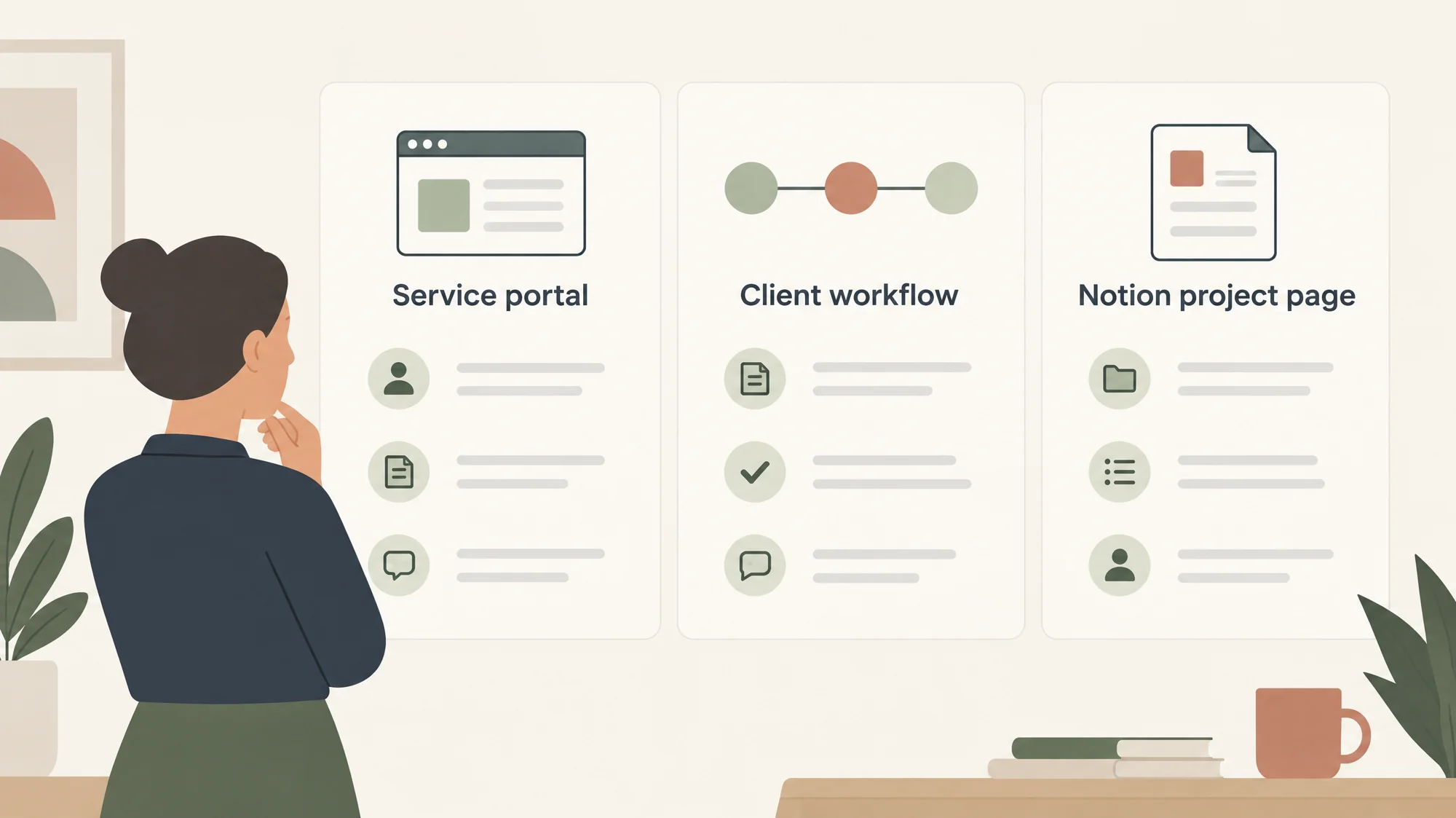
Start with the client work, not the feature list
For a three-person brand studio onboarding a client, the work may include a questionnaire, a kickoff meeting, draft feedback, and final sign-off. A portal should make those next actions clear to the client.
Write down the steps a client must take. They might read the status, find a file, answer a question, leave feedback, approve a deliverable, or pay an invoice. Then mark which steps must happen in the same system. If payment and signature must sit beside project status, a full client platform may fit better. If you mainly need a clear reference and approval record, a smaller setup may be enough.
“Portal” means different things in each tool. In Plutio, the portal is part of a broader business service. In Dubsado and HoneyBook, it sits inside a client-management process. A Notion template is a set of pages you adapt. It adds no separate customer login or billing engine to Notion.
The Client Workflow Decision Method
Use this four-step method for any client-tool choice, whether Plutio, Dubsado, HoneyBook, or a Notion page. It starts from client actions.
- List the client actions. Write each thing a client must do: read status, find a file, answer a form, approve a draft, sign, pay.
- Tag each action as display or transaction. Reading status, files, and feedback are display. Signing and paying are transactions that need a service built for them.
- Count the transactions and the people. Check the published limits against your real numbers. Plutio Core lists up to 9 active clients and no contributors, while Pro lists unlimited clients and 30 contributors. Dubsado Premier adds automations, scheduling, public proposals, and Zapier over Starter.
- Check the access model. Decide who may open each page. A Notion invited guest needs an account, an anyone-with-link page does not, and publishing can expose subpages by default unless you restrict them.
If most actions are display and few are transactions, a lighter page may suffice. If transactions dominate, favor a full client platform. HoneyBook does not publish exact prices on the pages checked, so confirm its figures before scoring step 3.

If you are still defining the client-facing pages, this client portal template checklist covers what to include before you share a link.
What the Client Sees
Picture a client opening one link on Friday afternoon. The first screen should answer three questions. What is happening now? What should I do next? Where do I leave a decision?
In a Plutio portal, clients use their own login to view the project and the information the service exposes. Its pricing page also lists invoices, proposals, contracts, files, and messages among its broader features. Confirm the client role and visibility controls in a trial using a test client before moving live work.
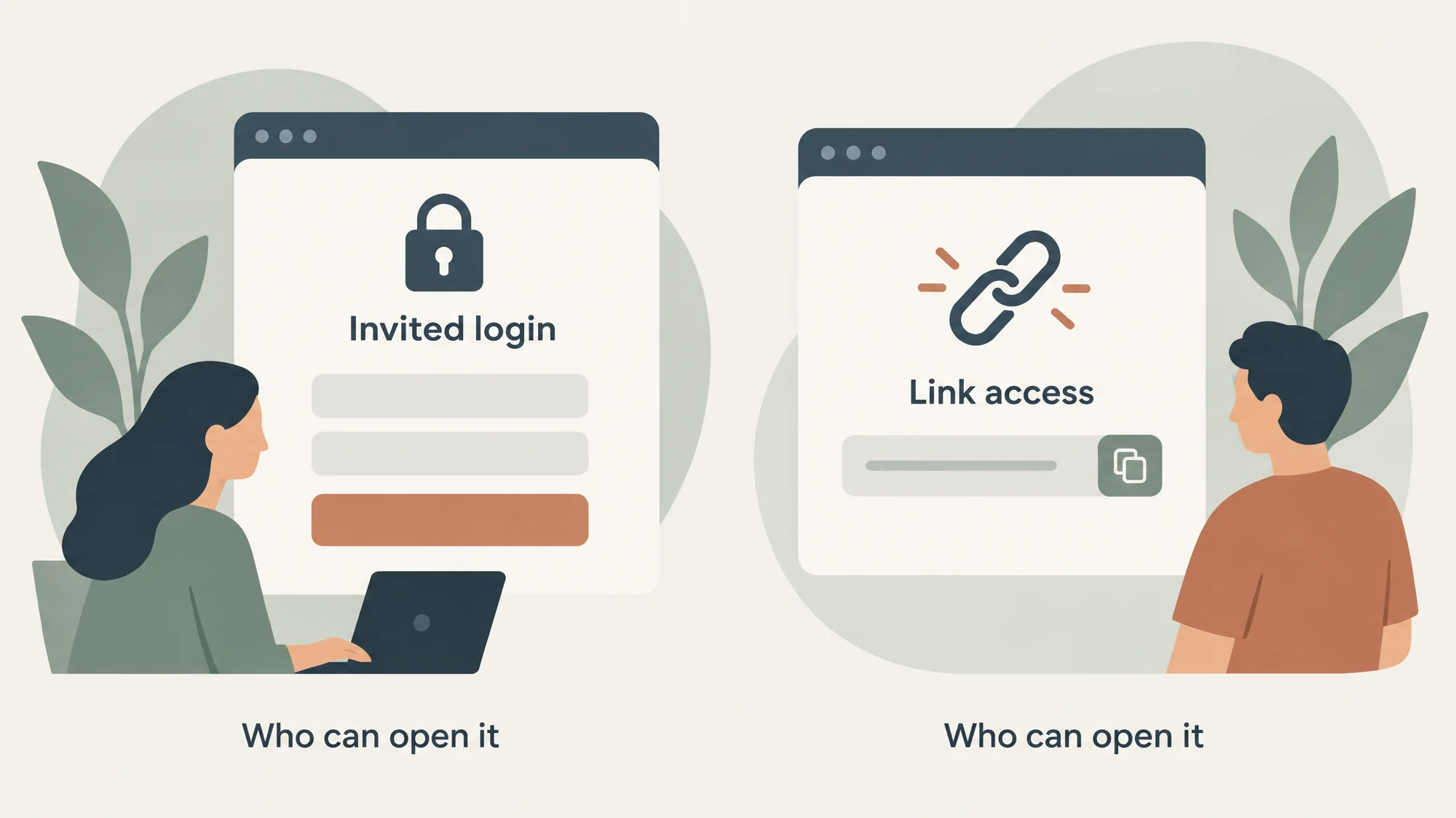
In a Notion setup, the client sees the pages you share. That may be a project overview, task list, meeting notes, and feedback page. You choose whether to invite a guest or share a link. Notion's sharing guide says an invited guest needs a Notion account. Anyone with a web link can view a page without being a Notion user, but that link is not a named-client boundary. A published page can include its subpages unless you restrict them.
For a six-client studio, make a separate access check for each client. Open the shared link in a private browser window, follow every subpage link, and verify that a client cannot reach another client’s materials. See the Notion client portal permissions guide for a fuller access checklist.
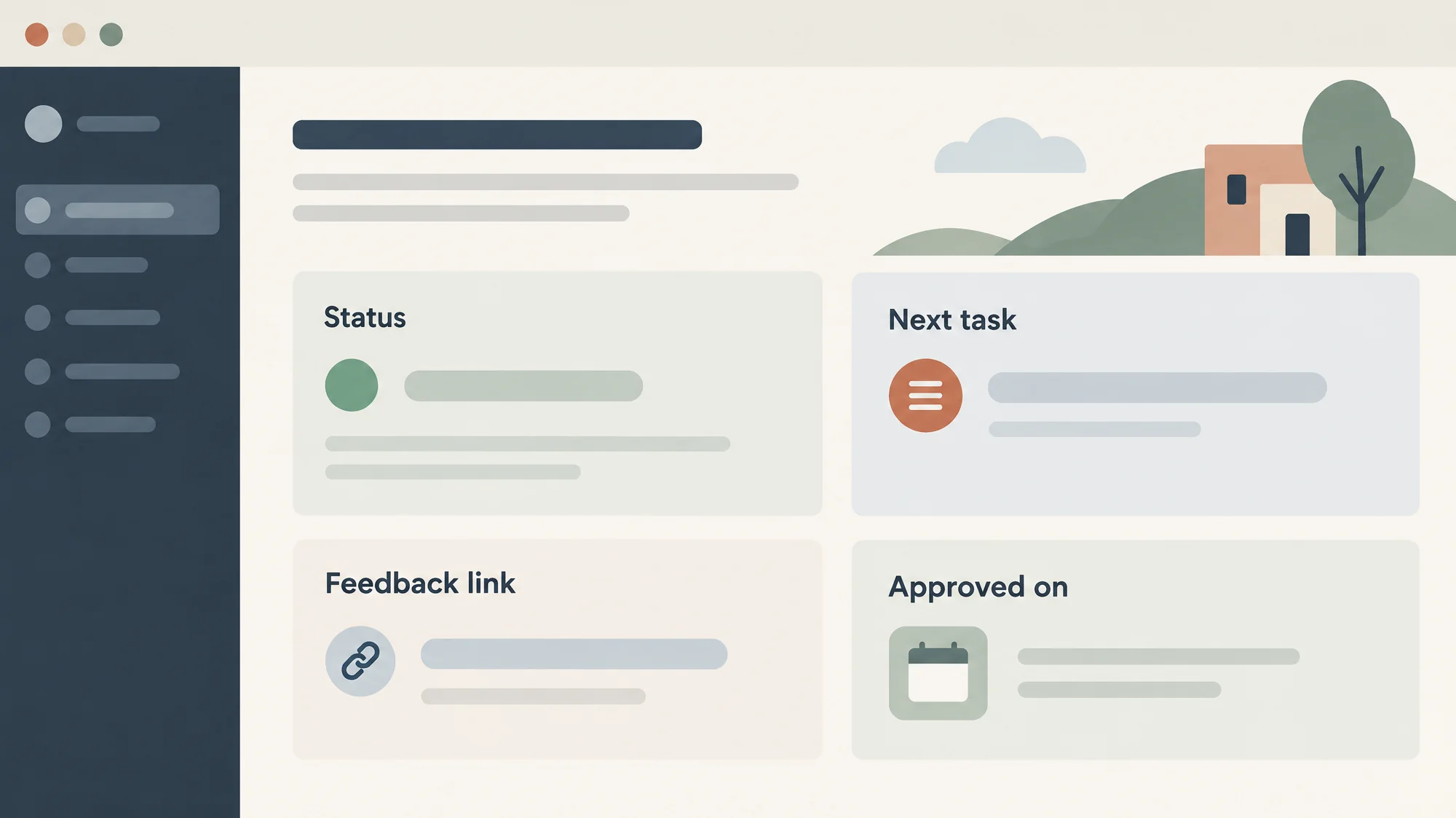
Choose Plutio when the portal is part of the business workflow
Plutio makes sense when your portal is more than a place to read updates. Its pricing page describes invoices, proposals, contracts, time tracking, forms, scheduling, tasks, file storage, and a client portal. If clients should move between those steps in one service, a Notion page would drop functions you use.
The plan limits also shape the choice. Core lists nine active clients and no contributors. Pro lists unlimited active clients and 30 contributors. Max includes white-labeling. If you need contributors, more active clients, or white-labeling, compare the full price and limits against your real team.
Before moving, list the records you would need to migrate. These include open projects, client access, invoices, contracts, forms, and task history. Then run a full client journey in a trial or demo.
Dubsado or HoneyBook fits a client-management process
Dubsado is worth comparing if forms, invoices, payment plans, and client portals are already central to how you work. The official pricing table lists those on Starter. Premier adds scheduling, automated workflows, public proposals, and Zapier. It may suit a studio that wants those business processes in the same account, while a Notion portal template does not perform them.
HoneyBook is another option if you want its client workflow and payment features. Check its pricing page for the plan and billing term you would use. Then test the client actions your process needs, such as a form, proposal, payment, or follow-up.
If you use the billing and contract tools every week, keeping them together may be worth the subscription. If you only open the portal to share status and get feedback, you may pay for more workflow than the project needs.
Why Trust This Article
The Cosmo Suite team makes the Notion Client Portal template, so we have a stake in this comparison. Our approach: we read the official Plutio, Dubsado, HoneyBook, and Notion help pages on November 16, 2026, recorded each price and limit exactly as published, and marked anything a vendor did not state as unconfirmed. We did not test paid plans of the other products, so every claim about them comes from their own pages. Plan details can change, so confirm current features and prices before switching. The template is a Notion page structure, not client-management software. Read about us and our editorial policy for how we review product information, or contact the team with a correction.
A Notion template fits a project reference, with clear limits
The Notion Client Portal template is a Notion workspace setup for client-facing project information. Its contents include a client portal with pages for introduction, contract reference, payment reference, tasks, questionnaire, workspace, meetings, account access, and feedback. It works on Notion’s free plan.
Use it when the client needs a shared place for status, project files, task references, feedback, and sign-off notes, and your studio is comfortable managing Notion permissions. Keep actual payment processing and signatures in the services you already use. The template does not add automations, notifications, or branded client logins.
Set up one portal per project, then inspect what the client can see. A public link is handy for view-only information, but it can be forwarded. An invited guest gives you a named access route, but the client needs a Notion account. Pick the route on purpose and review nested pages. Keep credentials and sensitive account details off any widely shared page.
If that is the workflow you want, the Notion Client Portal template gives you a starting structure for one link per client. You can also read the client portal software comparison for small businesses before deciding whether to use a template or a dedicated service.
The decision is about where a client decision lives
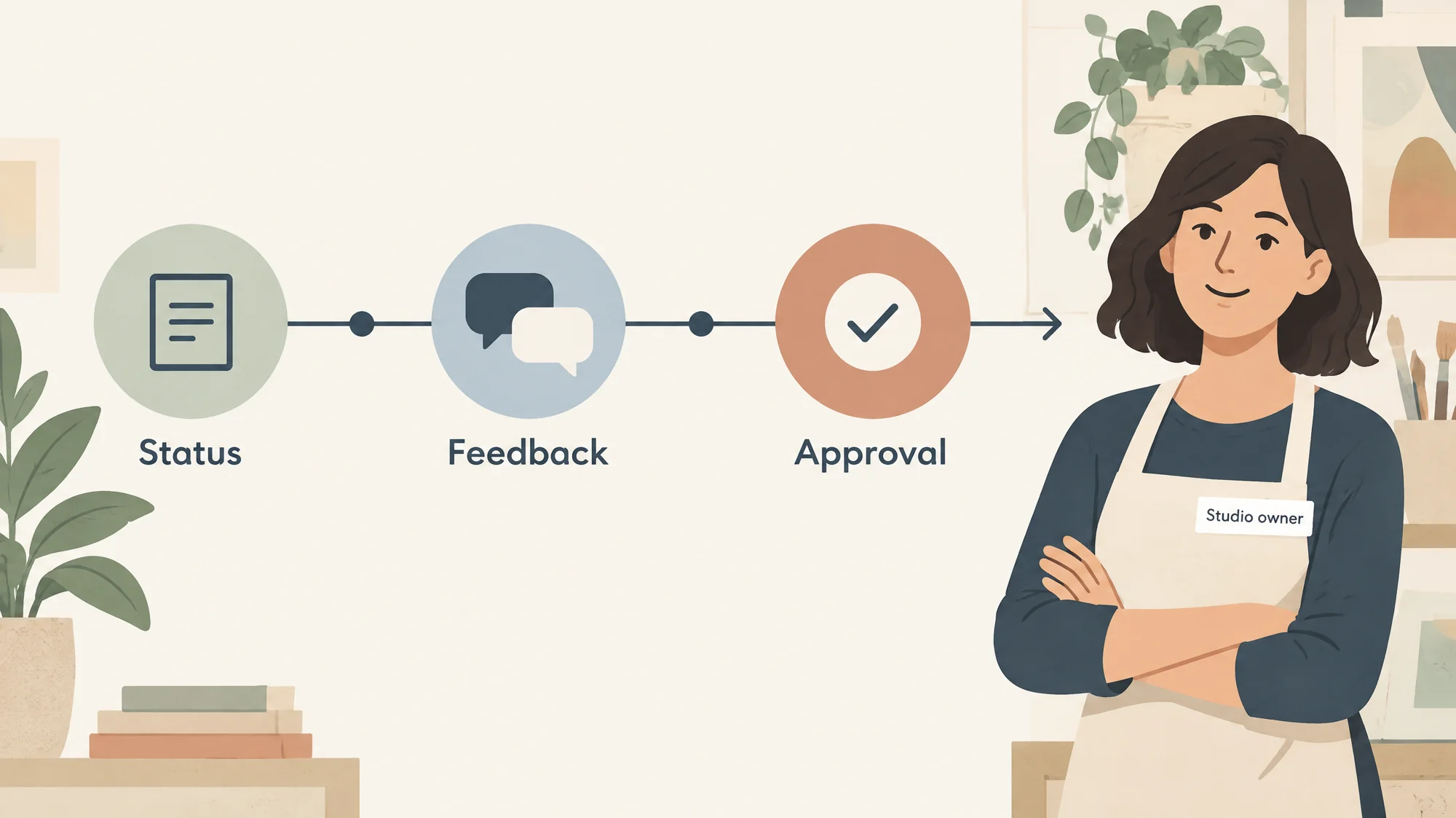
The test is whether the client can find the status, act on the next step, and leave a decision your team can find later.
For a copy revision, that might mean one feedback page with the version under review, the client’s comments, the person who owns the next action, and a dated approval. In a full client platform, that record may sit beside the contract or invoice. In Notion, you can organize the approval record yourself, but the template does not create an electronic signature or notify your team when the client responds.
Write down the owner for each record before you switch. Who keeps the project status current? Where do signed documents live? Who checks payments? How does the team learn that feedback arrived? If a tool cannot support a step, decide which service will.
A Notion portal can be the right lighter alternative
Choose the alternative that matches the work you need to keep together. Plutio is the closer fit when client portal access, invoices, contracts, proposals, and project tools belong in one system. Dubsado or HoneyBook may fit a process built around their client-management features. A Notion portal template fits when the client mainly needs a clear project reference and your studio will handle billing, signatures, and notifications elsewhere.
If a template is enough, start with the Notion Client Portal template, then test the client’s view before sharing real work. If you need the portal to take payments, collect signatures, or automate follow-up, keep comparing full-service tools.
Frequently asked questions
What is the best alternative to Plutio?
It depends on which parts of Plutio you use. Compare client access, billing, signatures, project tracking, team access, and setup. Dubsado and HoneyBook have their own client workflows; a Notion portal template is a lighter option when clients mainly need project information.
Is there a free Plutio alternative?
A Notion page can be shared using Notion's web-link settings, subject to its current plan and workspace controls. That is not equivalent to a full client portal with billing, signatures, automations, and branded logins. Check Notion's current sharing limits before relying on it.
How much does Plutio cost?
On the pricing page checked November 16, 2026, Plutio lists Core at $19 monthly or $190 yearly, Pro at $49 monthly or $490 yearly, and Max at $199 monthly or $1,990 yearly. Check the official page for current terms and plan limits.
Does a Notion client portal replace Plutio?
Not fully. A Notion template can organize client-facing status, tasks, files, questionnaires, meeting notes, and feedback. It does not process payments, collect e-signatures, run automations, send notifications, or provide a branded client login.
Can clients view a Notion portal without an account?
Notion says anyone with a web link can view a page without being a Notion user, while invited guests need their own account. Editing or commenting requires login. Check nested pages and test the exact link and permissions before sharing.
