Client Onboarding Questionnaire Template: Questions That Move Work Forward
client onboarding questionnaire template for service studios: ask about goals, scope, approvals and access, then turn answers into clear next steps.
By Notion Client Portal by Cosmo Suite · Editorial policy
Published · 8 min read

An illustrative client message: “I filled this in. What do you need from me before kickoff?”
For a small studio, the answer should be visible without another email thread. A client onboarding questionnaire template works when it collects the decisions and materials needed to start the agreed project, then makes the next step clear. It should not ask a client to repeat information you already have or send credentials through a form.
This guide gives you a reusable question set, a way to trim it for different projects, and a handoff checklist for turning answers into work. Use it alongside your contract and the tools that handle payment or signatures.
In Brief
- Start with the project outcome, audience, scope and decision maker.
- Ask only for information that changes the work or its next step.
- Keep passwords out of the questionnaire and test page access before sharing.
The Questionnaire Should Prepare the Next Project Decision
A useful client onboarding questionnaire collects information the studio needs before it can start or review the work. It should connect each answer to a project decision, such as which materials to prepare, who approves a draft or what the client needs to provide.
Use the form as a short handoff between the sales conversation and the first project tasks. If you need a shared place for the questionnaire and the work that follows, a ready-made Notion client portal template can give those pages a common home.
Client Onboarding Questionnaire Template Side by Side
Use the questions below as a menu. Keep the ones that help you plan this project, and mark anything the client can skip.
| Section | Question to ask | What the answer helps you decide |
|---|---|---|
| Goal | What should be different when this project is complete? | The outcome to use when checking proposed work |
| Audience | Who needs to use or respond to the deliverable? | The language, format and review context |
| Scope | Which deliverables from our agreement should we start with? | The first work items and what remains out of scope |
| Background | What have you already tried, and what should we keep or avoid? | Useful context without reopening every past decision |
| Materials | Which files, examples or brand references should we review? | What is ready and what still needs to be supplied |
| Approval | Who gives final approval, and how should feedback be collected? | The review route and decision owner |
| Timing | Are there dates or dependencies we should plan around? | A realistic sequence for work and client input |
| Access | Which account or workspace access will the project need, and who can grant it? | A safe request to send through the agreed access process |
| Open questions | What should we discuss before work begins? | Topics for the kickoff call rather than a guessed answer |
Keep the form tied to the signed scope. If a question invites a new deliverable, mark it for a scope discussion instead of treating the response as approval to add work.
The Questions That Belong in the Form
Ask for context that changes a decision, a task or an approval. “Tell me about your business” can produce a long answer with no obvious use. “Which service should this page explain first, and who is choosing it?” gives you a subject and a decision owner.
For a three-person brand studio onboarding a client, the first pass might ask what the new identity needs to support, which audiences matter, which existing materials must stay, and who signs off on concepts. A project-specific form can then ask about launch dates or source files if those details affect the agreed work.
Separate facts from preferences. Ask what is already decided, what the client wants to explore, and what is still unknown. That distinction helps you avoid presenting an early idea as a confirmed requirement.
The client should be able to answer in plain language. If a term such as “deliverable,” “stakeholder” or “brand architecture” is necessary, explain it in the question. You can also include a short example answer, clearly labeled as an example, without implying that it came from a real client.
For response fields, use a short text field for a name or link, a longer response for context, and a choice list only when the options are clear and complete. Add “Other” or “I’m not sure yet” when a client might reasonably need it. A tidy form is less useful if it forces a false choice.
A Short Form Works Better When Each Question Has a Job
Review every question with one test: what will you do differently based on the answer? If the answer does not affect scope, preparation, timing, access or approval, remove the question or move it to a later conversation.
Trim the template in four passes:
- Remove repeats. Compare each question with the proposal, contract and sales notes. Ask again only when you need the client to confirm a detail.
- Split double questions. “Who approves the work and when are they available?” asks for two different answers. Give each a field.
- Label optional items. If the answer is useful but not required to begin, say so beside the prompt.
- Set a boundary. Explain what belongs in the form and what belongs in a later discussion, such as new work outside the agreement.
For example, if a website project already has a signed scope and named approver, the questionnaire does not need another broad “What do you want?” prompt. It can ask which existing site pages the client considers most important and where current source materials live.
The questionnaire also needs an owner on your side. Decide who reads the responses, who follows up on missing items and who updates the project page. If no one owns those steps, a completed form can sit beside the inbox without moving the work forward.
Client Answers Need a Clear Home and Access Boundary
After the client responds, move each useful answer to the place where the team will act on it. Keep the outcome and scope near the project plan, put unresolved items on a follow-up list, and link to source materials rather than copying sensitive details into several pages.
Notion pages can be shared with invited guests or made available through public links, and those choices have different privacy consequences. Notion says invited guests need their own account to access a page. Review the page and its parent permissions before inviting someone, and do not make private material public to avoid account setup. Notion’s sharing guidance explains the available permission levels and public sharing options.
Use the minimum access that lets each person do their task. NIST defines least privilege as limiting access privileges to the minimum needed for assigned tasks. For a client project, that means checking who can view the questionnaire, the answers and any linked workspace before you send the link. NIST’s least-privilege definition gives the underlying access-control principle.
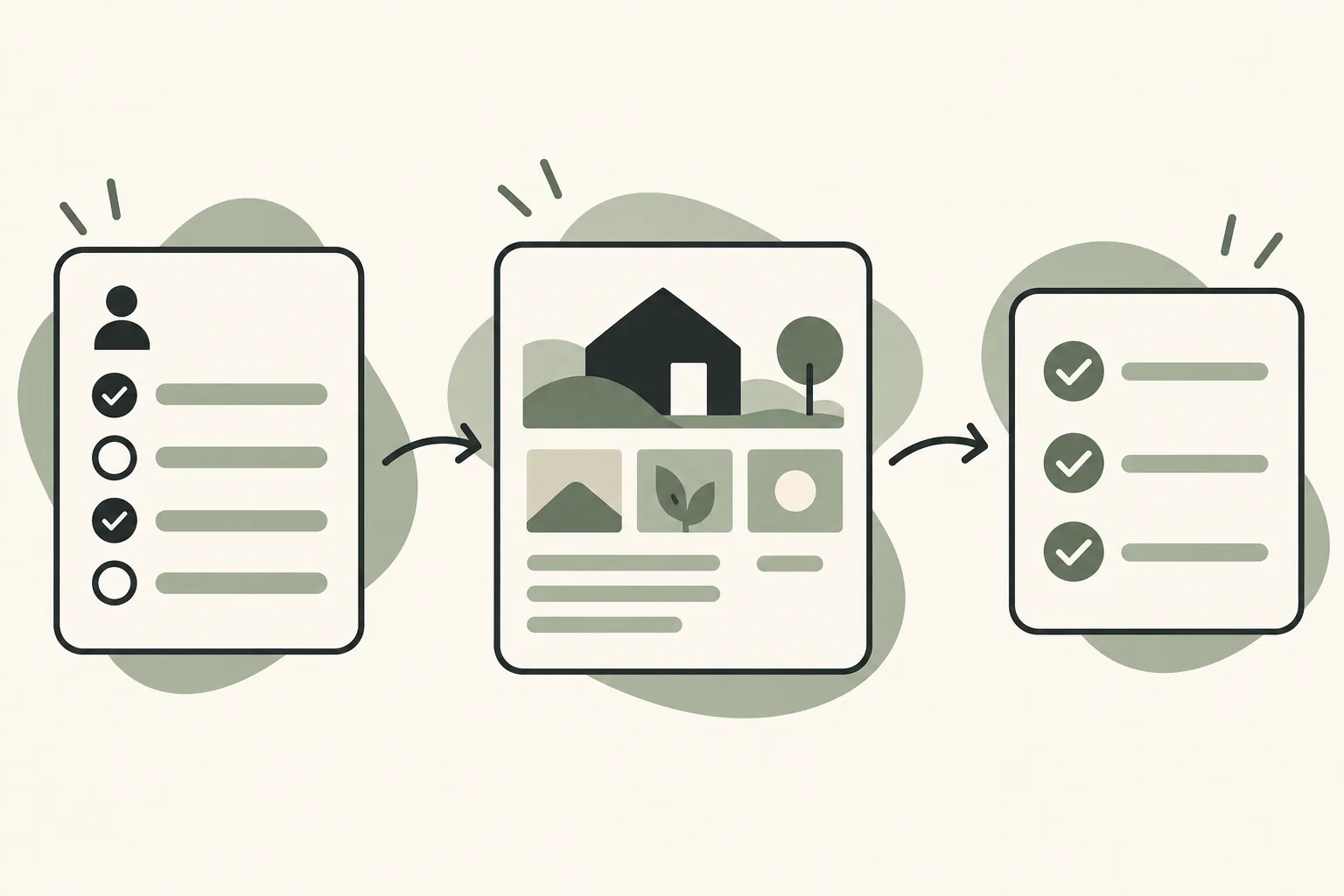

Do not ask clients to paste passwords into a questionnaire or shared workspace. Ask which system needs access and who can grant it. Then use your established secure access process. The Notion database guide can help when you are deciding whether structured project answers belong in a database or a regular page.
What the Client Sees After They Open the Link
The client should see one clear instruction, the questionnaire, and a short note about what happens after submission. They should not have to search through your internal dashboard to find the form or guess whether a blank answer is required.
Picture a client opening an onboarding page on a phone. At the top, they see the project name, the purpose of the questions and an estimated place to begin. The form groups prompts under goal, materials, approval and access. A note explains that passwords should not be entered there. At the end, the client sees where to ask a question and what your studio will do next.
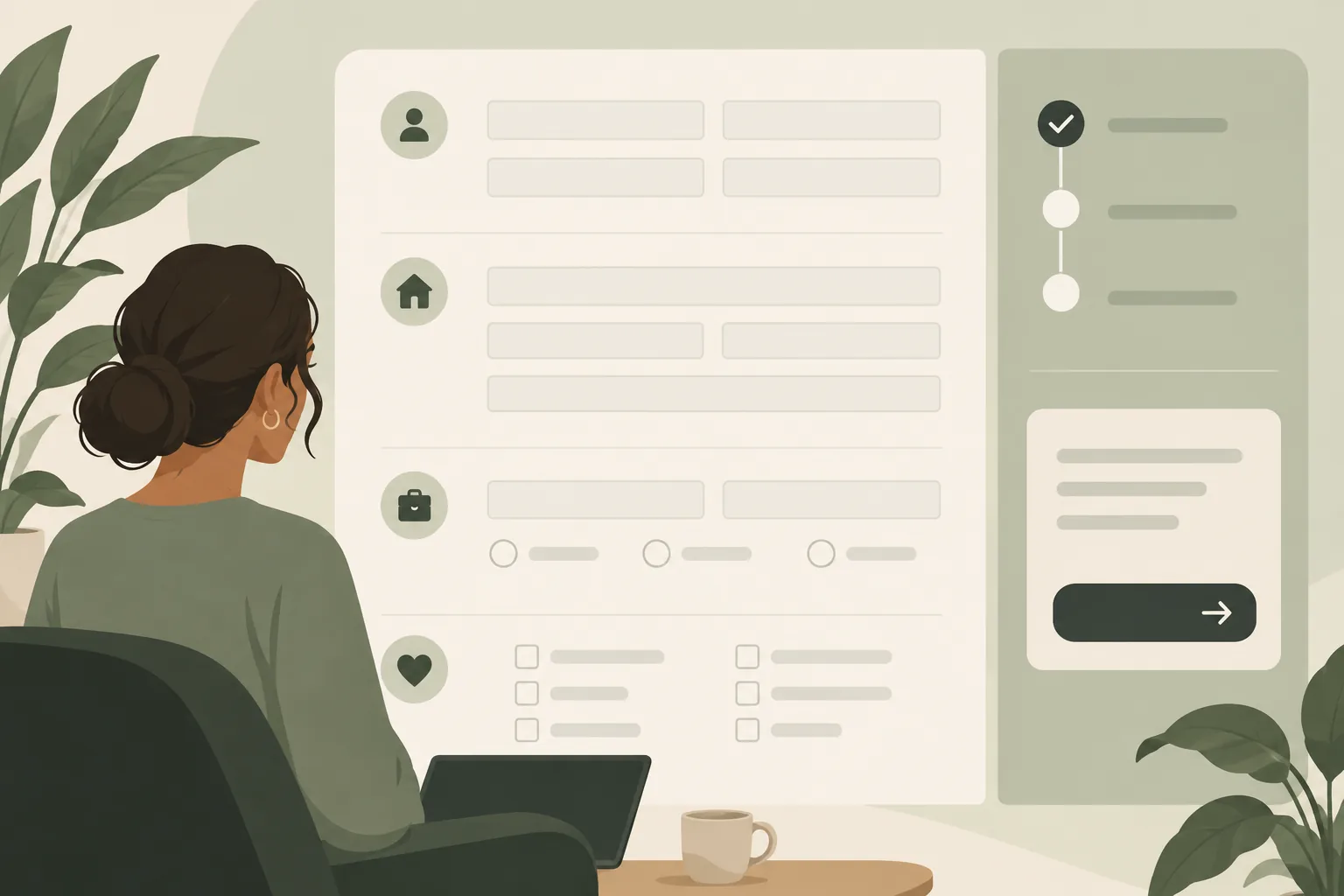
Before sending the link, check it from the client’s point of view. Confirm that the correct page opens, private team notes stay private, the client can complete the action you expect, and the next step is clear. A signed-out browser check can show what a public link exposes; a guest check can show what an invited account can access. The guest check and the signed-out check show different things.
If you collect answers in Notion, confirm the sharing and editing permissions for the actual page. Do not assume that a page’s title or location makes it private. When each client should see only their own project information, keep the client-facing areas separate and test access using the intended sharing method.
Turn Completed Answers Into the First Project Update
Send a short update after reviewing the form. State what is confirmed, what is missing, who owns each next action and when you will revisit it. That gives the client a useful record without copying the whole questionnaire into another email.
For the brand studio example, the update might list the approved project outcome, the person who will review concepts, the files still needed and the date for the kickoff discussion. Those are illustrative fields, not a claim about a real client result. If a response changes the agreed scope, flag it for discussion before adding it to the task list.
Keep one current status for each open item. A task can say “Waiting for client: select two reference examples” and name the person who will follow up. A completed answer should not vanish into meeting notes if it changes the next deliverable.
If the client needs a shared place for tasks, files, questionnaire answers and feedback, the Notion Client Portal template includes a client portal with pages for Questionnaire, Task, Workspace, Meeting and Feedback. It is a Notion template, so your studio still manages sharing and maintains the project information. The template does not process payments, provide electronic signatures or create client logins. See the Notion client portal setup guide for the page structure and access checks, and the client portal template checklist for what to prepare before sharing.
Why Trust This Article
This guide was prepared by the Cosmo Suite team, which makes the Notion Client Portal template. The question set is an editorial framework, not a survey or tested client study. The sharing guidance is based on Notion’s help pages and NIST’s definition of least privilege, checked on 2 November 2026. Read about the team and the editorial policy for more about the publisher and review process.
Use the Questionnaire as the Start of the Portal
A questionnaire gives a client a place to explain the work. A client portal can keep those answers beside the project tasks, files, meeting notes and feedback pages that the team uses afterward. Keep the form short, decide who reviews it, and test the page permissions before sharing it.
The Notion Client Portal template includes a Questionnaire page within its client portal structure. You can start with a ready-made client portal layout and remove sections that do not fit the engagement. Keep your existing payment and signature tools for those actions, and make the client’s next step explicit on the page.
Frequently asked questions
What should a client onboarding questionnaire include?
Ask about the project goal, audience, scope, decision maker, deadlines, existing materials, feedback route and any access the work needs. Add only questions that change how you will deliver the agreed work.
How long should a client onboarding questionnaire be?
Keep it to the questions needed to prepare the work. Group related questions, mark optional items and remove anything already answered during sales or contracting. Review the form with a colleague who did not write it to find unclear or duplicate questions.
Should I collect passwords in a client intake form?
No. Ask who can grant access and what level of access the work requires. Use your agreed password manager or access process for credentials, and do not put passwords in a shared page or questionnaire.
Can I use Notion for client onboarding?
Notion can hold an onboarding questionnaire page and project context, but sharing settings determine what a client can see or change. Test the intended access before sharing. A Notion page does not process payments or collect electronic signatures.
What happens after a client submits the questionnaire?
Review the answers, list missing items, confirm the scope and decision maker, then send the client a short next-steps summary with an owner and due date for each action.
